

Bento CV template
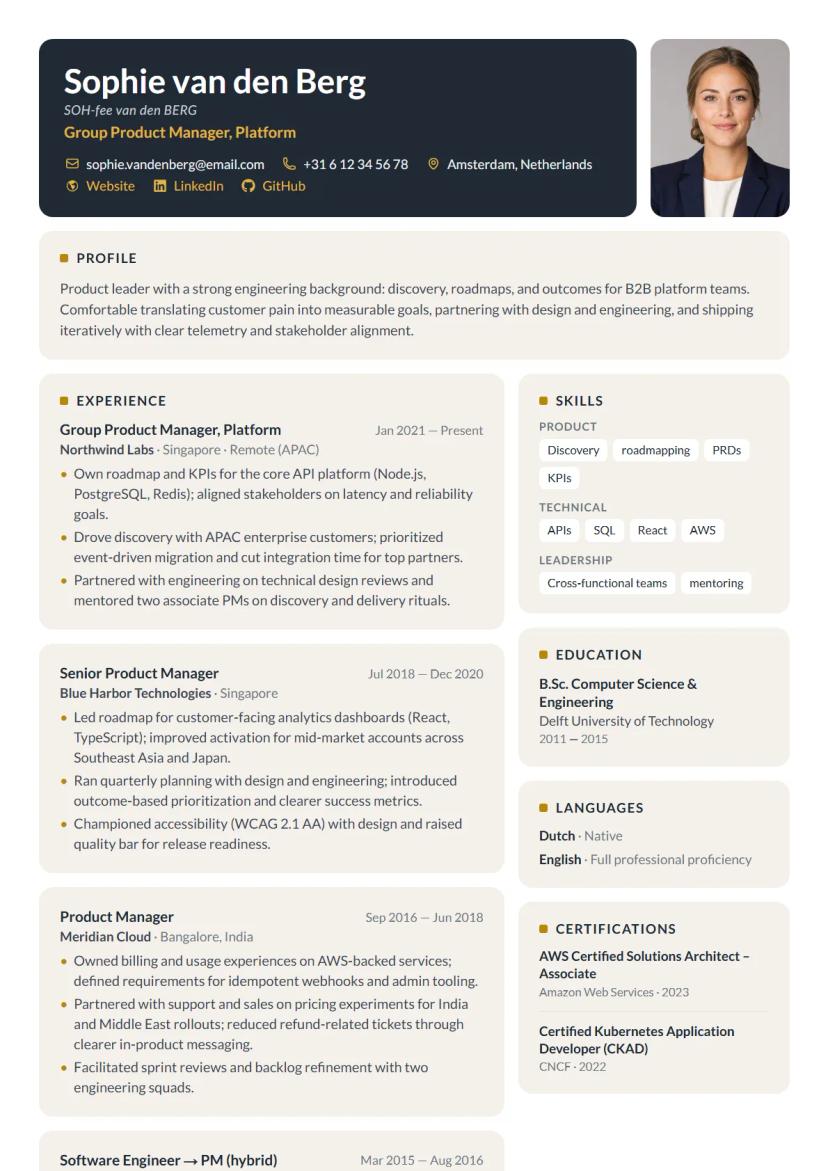
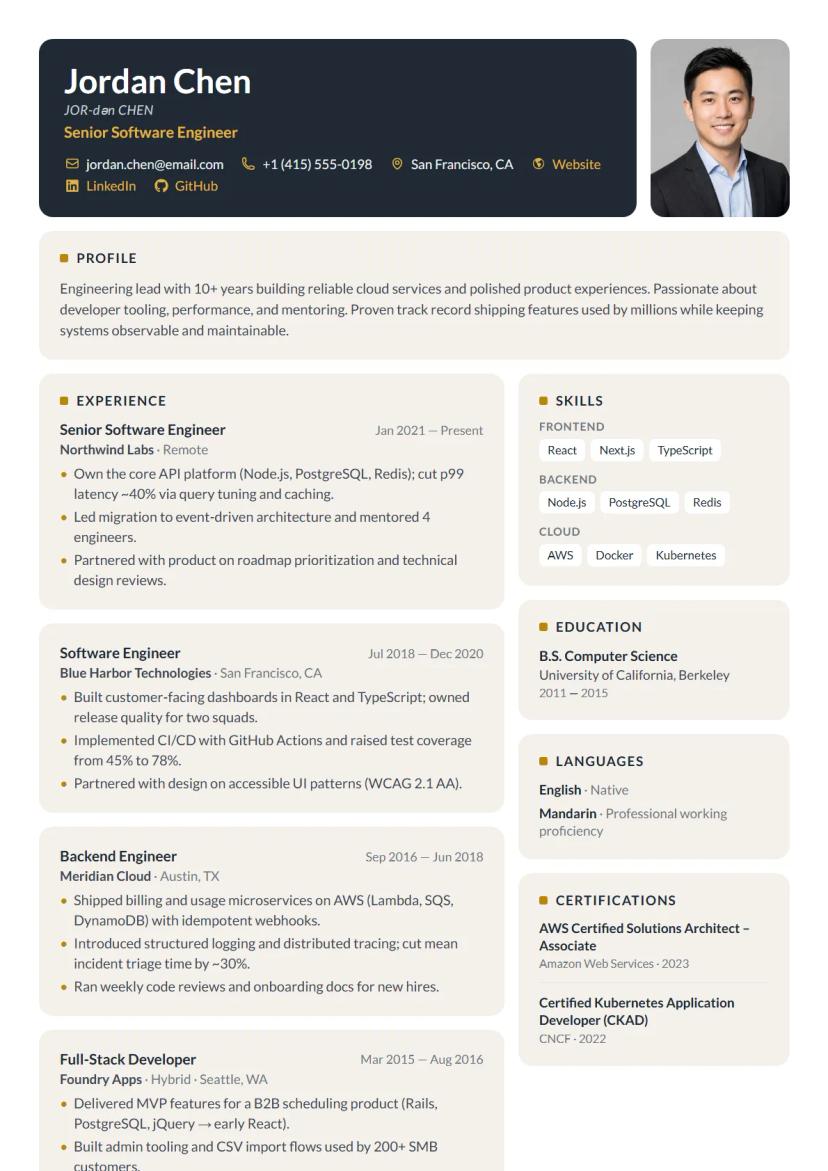
Each part of your CV sits in its own rounded tile, like a bento box. A dark tile carries your name and contact details, and light tiles hold your profile, each of your jobs, your skills and your education. It looks fresh and it's very easy to find your way around.
Free to edit and preview without an account. Download a clean PDF or an editable Word file with the $1.99 7-day pass or Pro.
Best for
- Tech, product, design and startup roles
- CVs with several short sections
- Readers who skim: every section is a clearly separate block
- People who want a current look that still prints cleanly
What’s in the layout
- Dark name tile with your title and contact details; your photo gets a tile of its own
- Profile across the full width, then a wide column for experience and a slim one for skills, education, languages and certifications
- Skills as white tags inside their tile
- Soft cream tiles on a white page, with one mustard accent
When to choose the Bento template
Bento layouts became popular in product design because they make dense information feel tidy: each thing has its own box. The same idea works on a CV. A recruiter looking for your skills or your education finds the tile at once, without scanning for a heading.
The tiles are styling only. Underneath, the PDF is ordinary text in a sensible order, so applicant tracking systems read it like any two-column CV. If you apply through an old or unusual portal, check the result with ATS view first; our guide to an ATS-friendly CV explains what to look for.
Tips for filling it in
- Keep the profile to two or three lines so the first row of tiles stays compact.
- Group your skills under short labels; each group gets its own row of tags.
- Each job gets a tile of its own, and a tile stays whole on one page where it can, so pages break between jobs.
Switch templates any time
Your text is kept separate from the design, so you can try Bento and switch to another template with one click, without retyping anything. The free preview PDF is watermarked. The pass and Pro give you a text-based PDF that applicant tracking systems can read. You can check the text with ATS view in the builder, or upload a CV for a free CV review.
Frequently asked questions
What is a bento CV?
A CV laid out as a grid of separate rounded boxes, one per section, named after the compartments of a Japanese lunch box. The style comes from app and website design.
Is the Bento template ATS-friendly?
Yes. The tiles are backgrounds; the content is real text that parsers read in order: your name and contact details, your profile, your experience, then the side column.
Does it use a lot of ink?
Only the name tile is dark. The other tiles are a pale cream that uses very little ink and prints as a light gray on black-and-white printers.
Other CV templates
Start your CV in Bento
Pick a template, fill in the form and watch your CV take shape. Start free, no account needed.