

Swiss CV template
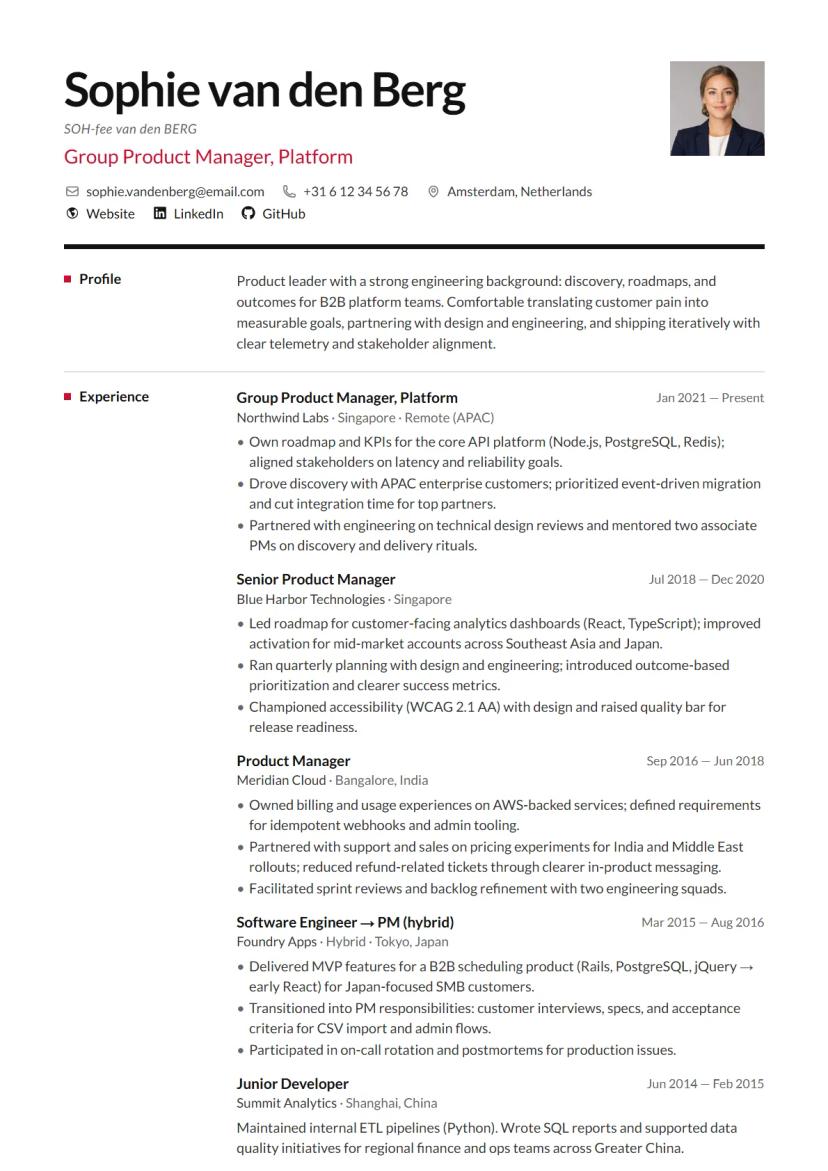
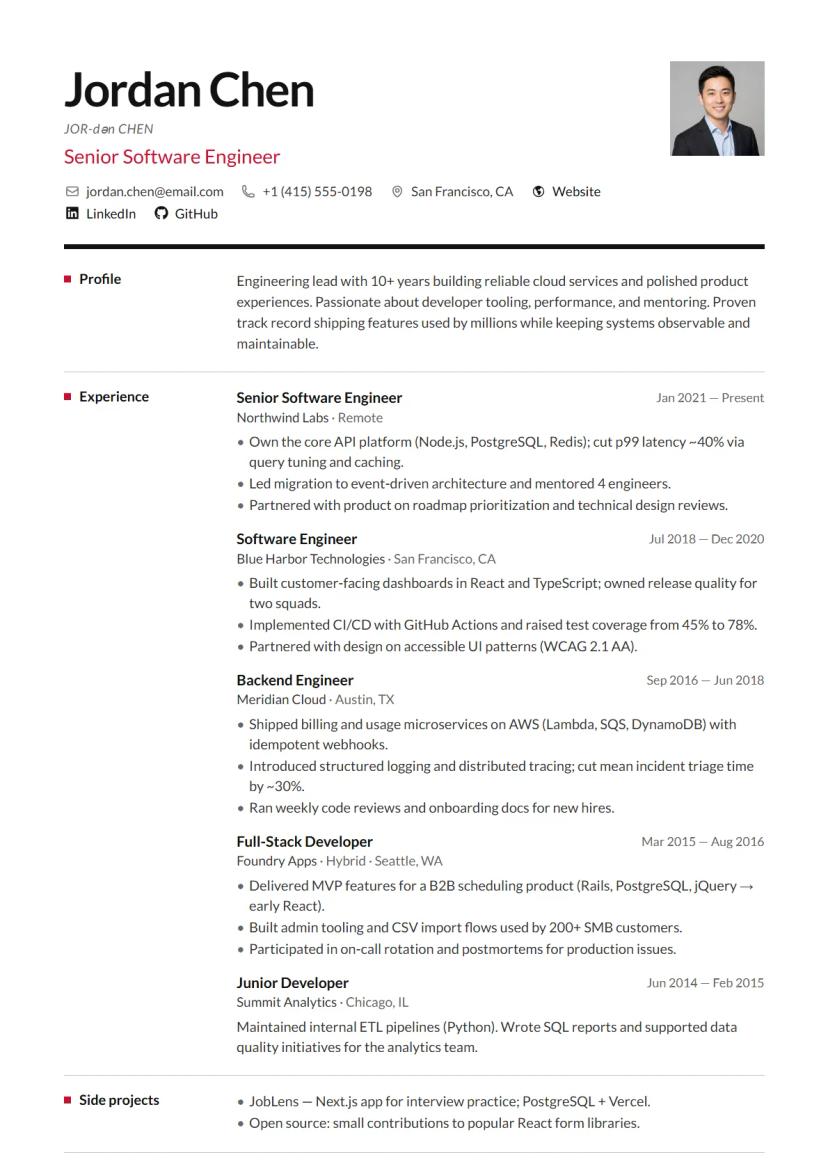
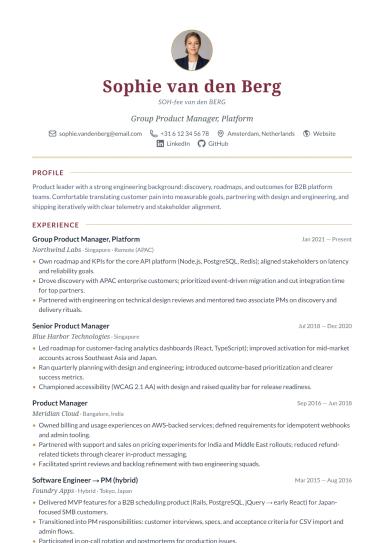
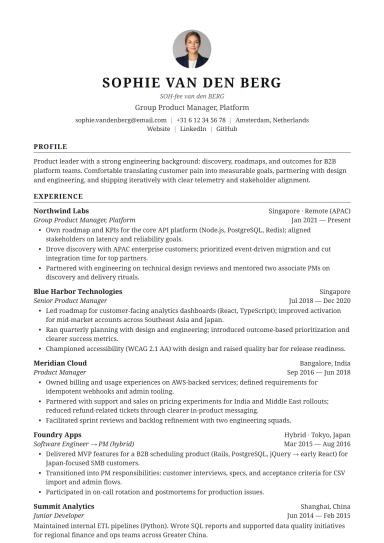
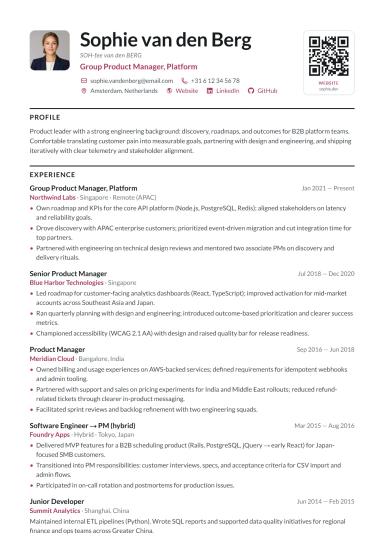
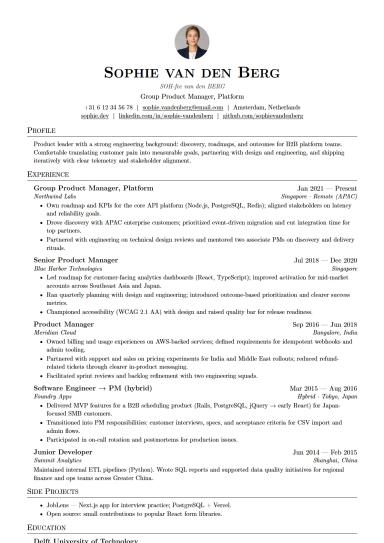
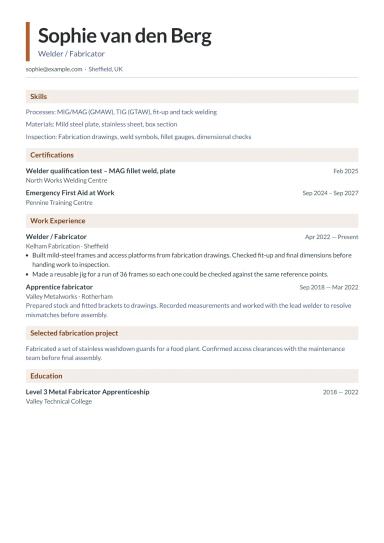
Inspired by Swiss graphic design: a bold name, section headings set in the left margin, thin rules between sections and one red accent. Clean, confident and very easy to scan.
Free to edit and preview without an account. Download a clean PDF or an editable Word file with the $1.99 7-day pass or Pro.
Best for
- Designers, architects, engineers and other design-literate readers
- Anyone who wants a modern look without decoration
- CVs with clear, well-defined sections
- One- or two-page CVs with plenty of detail
What’s in the layout
- Large, tightly set name with your title in red
- Section headings in a left margin column, content to the right
- Thin rules between sections, dates aligned on the right
- Optional square photo in the top corner
When to choose the Swiss template
The Swiss layout puts every section heading in the same narrow margin column, so a reader can scan straight down the left edge and jump to what they need. Typography does all the work: one typeface, strong contrast in size and weight, and a single red accent.
It suits people whose own work values clarity: designers, engineers, architects, researchers. For a more conventional single column, see Classic.
Tips for filling it in
- Keep section names short; they sit in a narrow margin column.
- Use consistent date formats so the right-hand dates line up neatly.
- Group skills under short labels like "Design", "Tools" or "Languages".
Switch templates any time
Your text is kept separate from the design, so you can try Swiss and switch to another template with one click, without retyping anything. The free preview PDF is watermarked. The pass and Pro give you a text-based PDF that applicant tracking systems can read. You can check the text with ATS view in the builder, or upload a CV for a free CV review.
Frequently asked questions
What is a Swiss-style CV?
One inspired by the International Typographic Style: a clear grid, a single sans-serif typeface, strong size contrast and little decoration. Here that means headings in a margin column and thin rules between sections.
Is the Swiss template ATS-friendly?
Yes. Each heading comes before its section in the PDF's text, and everything is real, selectable text. ATS view in the builder shows exactly what software reads.
Can I use it with a photo?
Yes. A small square photo sits in the top corner of the header; without one, the header is purely typographic.
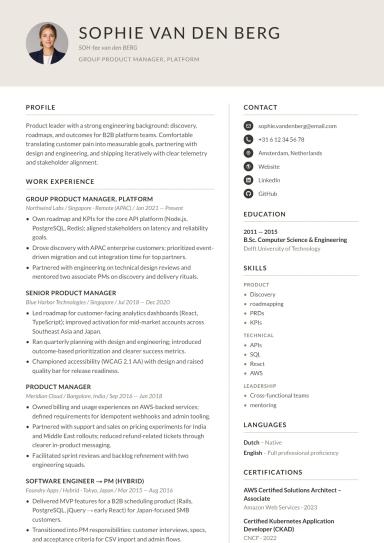
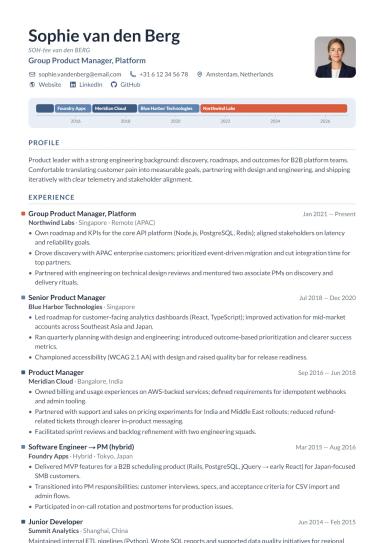
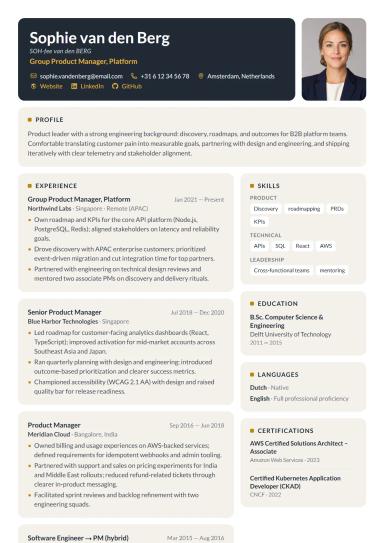
Other CV templates
Start your CV in Swiss
Pick a template, fill in the form and watch your CV take shape. Start free, no account needed.