

Modern CV template
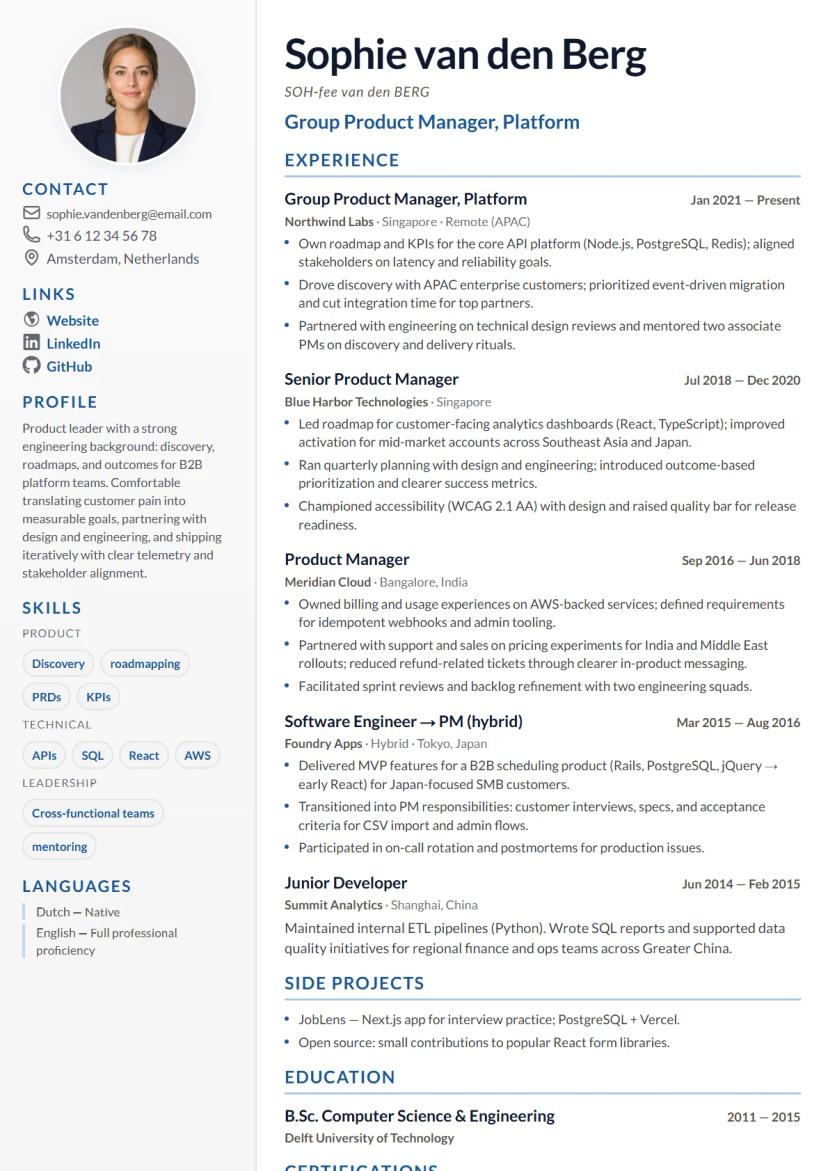
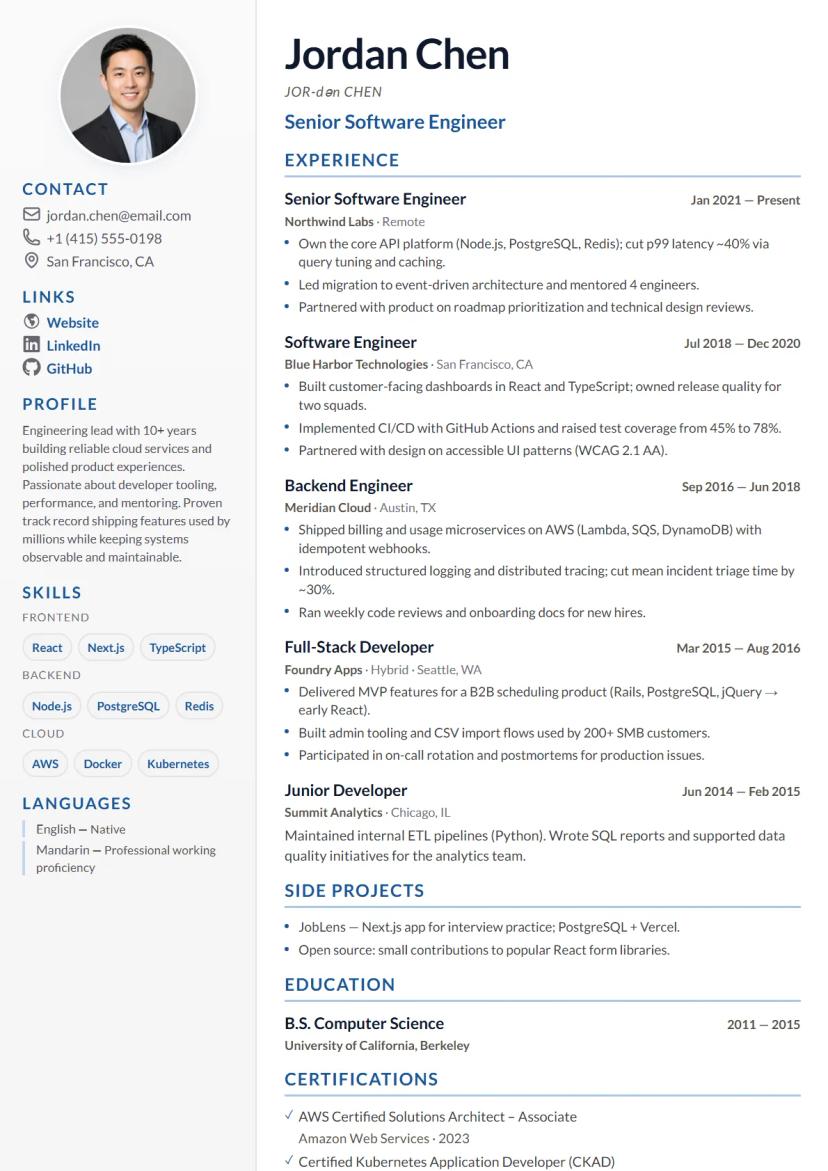
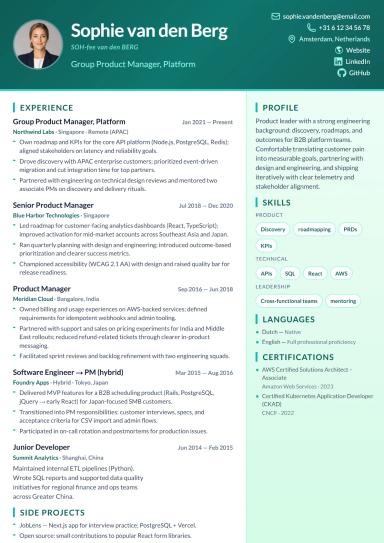
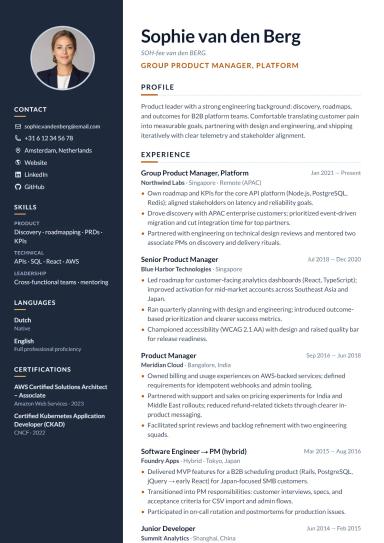
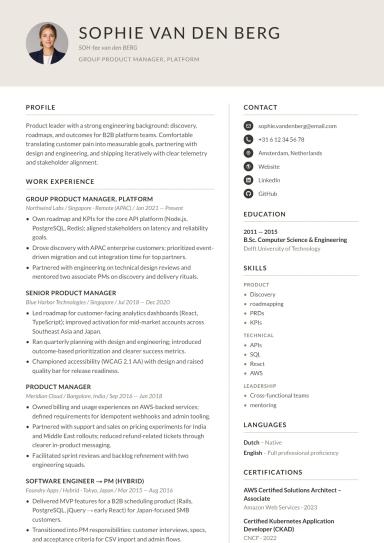
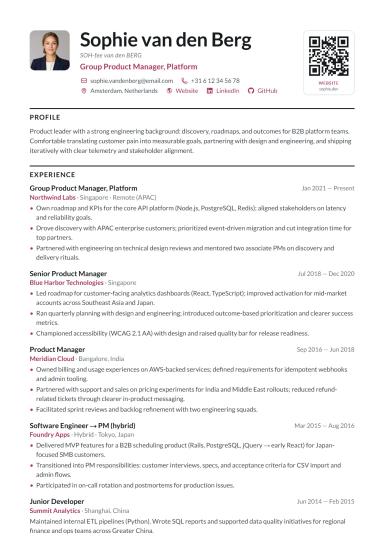
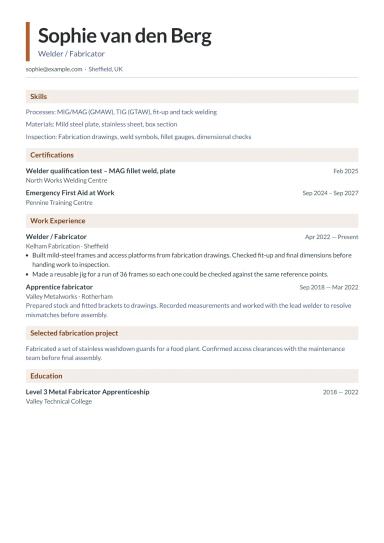
A two-column layout with a soft sidebar for your contact details, skills and languages, and a wide main column for your experience. Confident without being loud, and the most popular choice for good reason.
Free to edit and preview without an account. Download a clean PDF or an editable Word file with the $1.99 7-day pass or Pro.
Best for
- Most office, tech and business roles
- CVs with a lot of skills, tools or languages to show
- Two-page CVs that need a clear structure
- Applications where a photo is expected (or not: it's optional)
What’s in the layout
- Left sidebar: photo, contact details, links, profile, skills grouped by type and languages
- Main column: experience, education, projects and certifications
- Skills shown as compact tags, grouped under your own labels
- Clickable email, website and LinkedIn links in the PDF
When to choose the Modern template
Pick Modern when your skills are part of your pitch. The sidebar keeps tools, languages and certifications visible at a glance, while the main column stays free for what recruiters read most closely: your recent jobs and their results.
Worried about two columns and applicant tracking systems? The PDF is real text in a logical reading order, so parsers read the sidebar and the main column as separate sections. You can check it yourself with ATS view in the builder, which shows exactly what software reads.
Tips for filling it in
- Group skills under short labels like "Product", "Technical" or "Leadership" rather than one long list.
- Keep the profile in the sidebar to three or four lines; it sits next to your first job, so it's read early.
- Put your strongest, most recent role first and give it the most bullet points.
Switch templates any time
Your text is kept separate from the design, so you can try Modern and switch to another template with one click, without retyping anything. The free preview PDF is watermarked. The pass and Pro give you a text-based PDF that applicant tracking systems can read. You can check the text with ATS view in the builder, or upload a CV for a free CV review.
Frequently asked questions
Is a two-column CV ATS-friendly?
It can be, if the PDF contains real text in a sensible order, as this one does. Problems come from columns built with text boxes or tables in Word, or from CVs exported as images. Check yours with ATS view before you apply.
Can I use the Modern template without a photo?
Yes. Switch the photo off in the form and the sidebar starts with your contact details instead.
Is it good for a one-page CV?
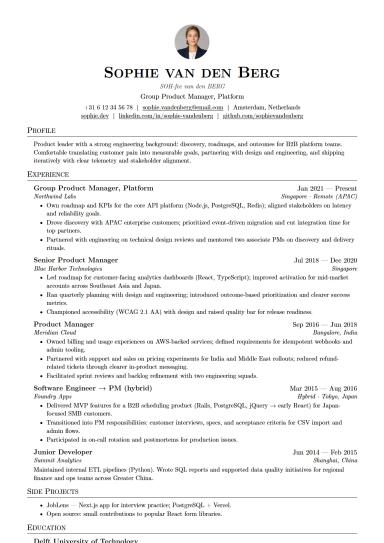
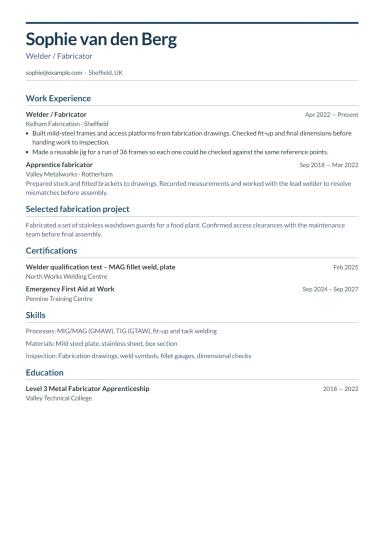
It works for one page if you keep the bullet points tight. If you need to fit a long career on one page, the Compact template holds more.
Other CV templates
Start your CV in Modern
Pick a template, fill in the form and watch your CV take shape. Start free, no account needed.