

Professional CV template
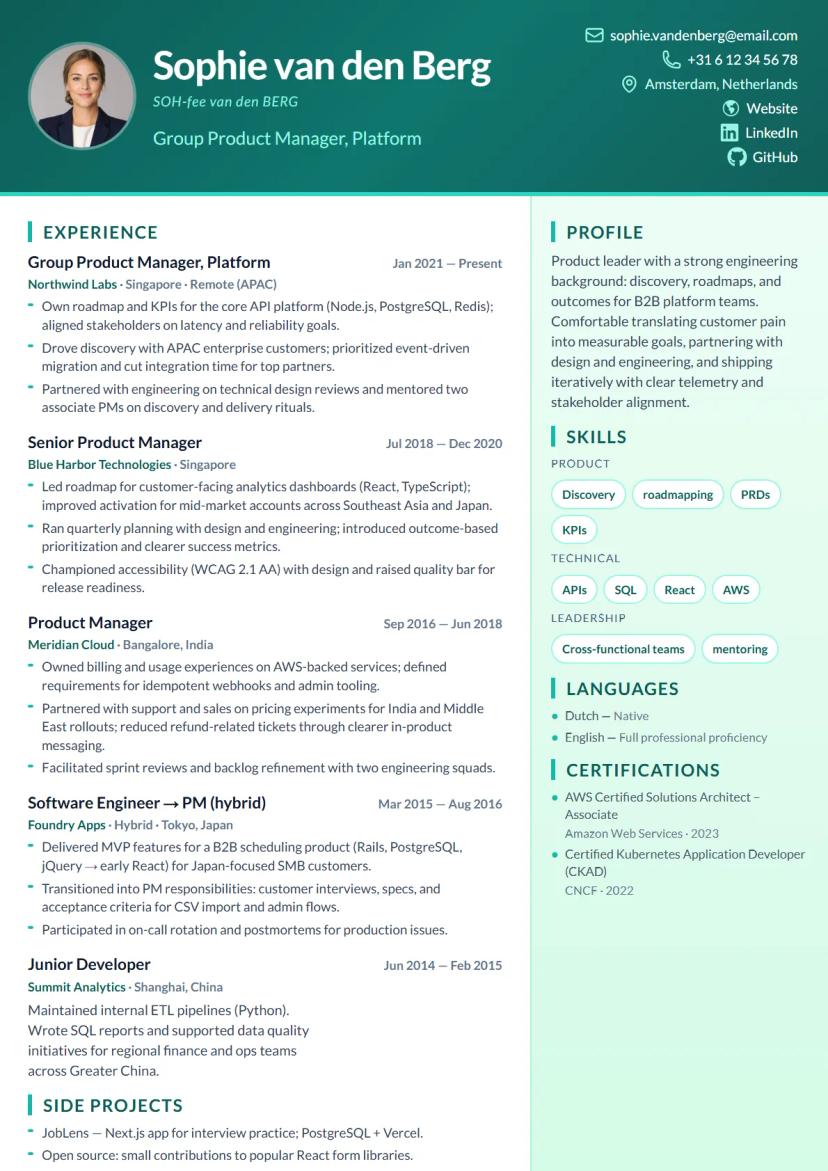
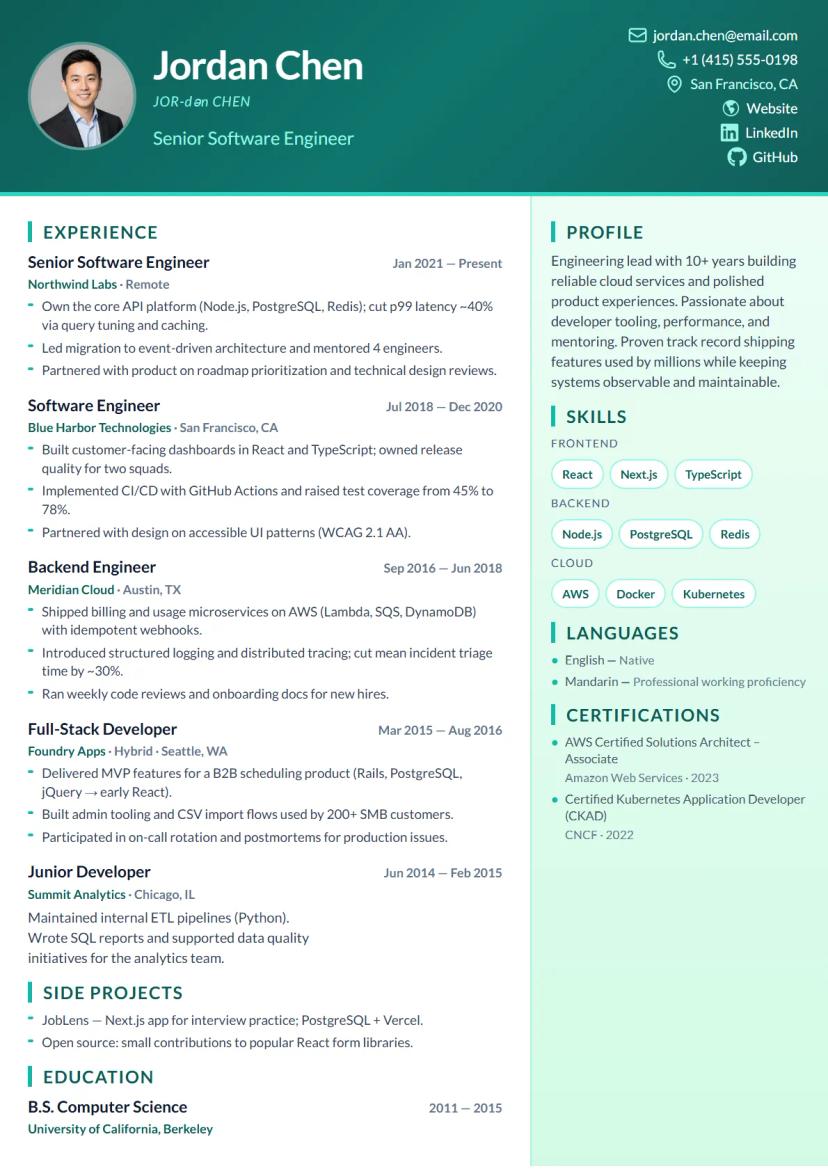
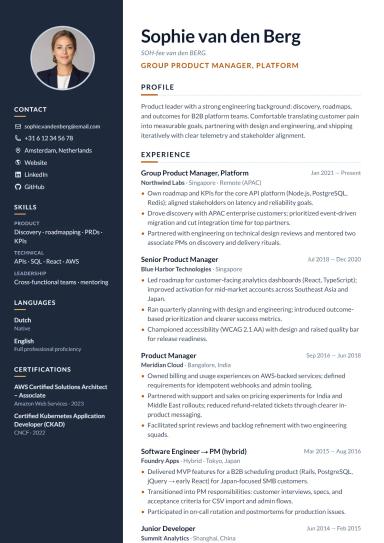
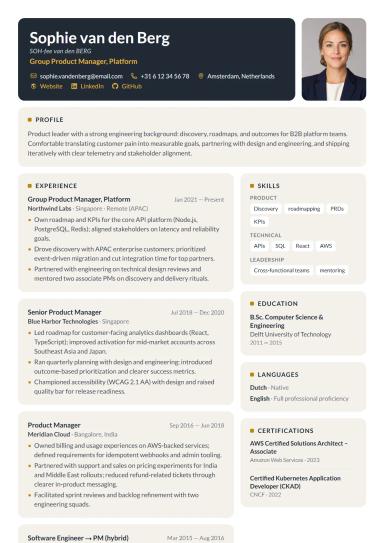
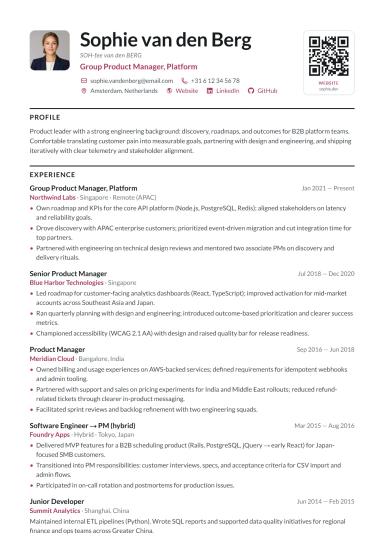
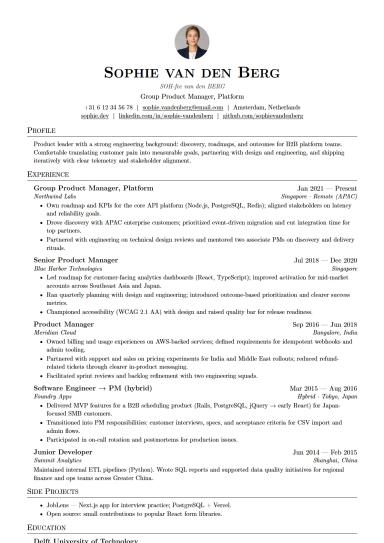
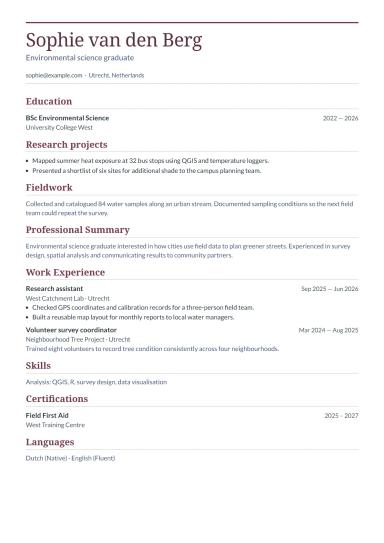
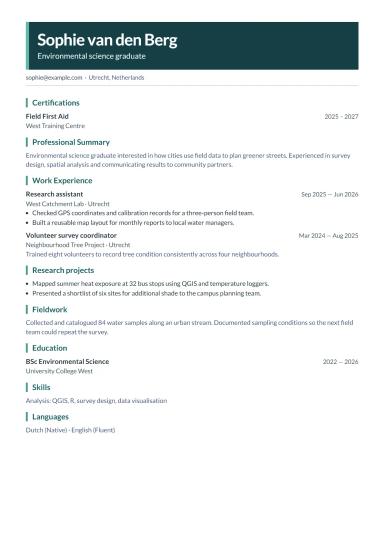
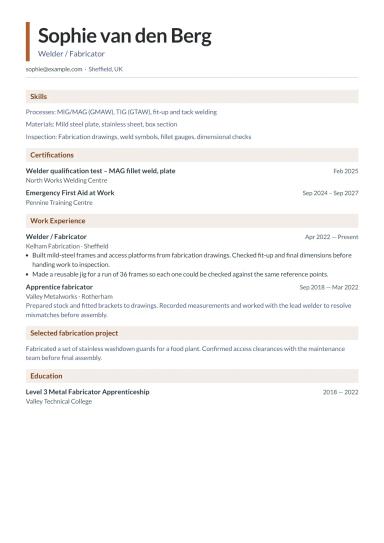
A colored header makes your name and title stand out, and two columns keep experience on the left and your profile, skills, languages and certifications on the right. Polished and businesslike.
Free to edit and preview without an account. Download a clean PDF or an editable Word file with the $1.99 7-day pass or Pro.
Best for
- Managers and senior individual contributors
- Sales, consulting and client-facing roles
- CVs with certifications worth showing off
- Two-page CVs with plenty of experience
What’s in the layout
- Full-width colored header with your name, title, photo and contact details
- Main column for experience and side projects
- Side column for profile, skills, languages and certifications
- Clickable links in the header
When to choose the Professional template
Use it when you want to look senior and organized at first glance. The header block gives your name and title real presence, and the right-hand column keeps supporting details visible without crowding your experience.
It reads well in applicant tracking systems too: the PDF is real text, and the header's contact details are part of the page, not a document header that some parsers skip.
Tips for filling it in
- Make your job title in the header match the role you're applying for, if that's honest.
- List certifications with the issuer and year; they sit in the side column where they're easy to spot.
- Use the profile to state your level and specialty in two or three lines.
Switch templates any time
Your text is kept separate from the design, so you can try Professional and switch to another template with one click, without retyping anything. The free preview PDF is watermarked. The pass and Pro give you a text-based PDF that applicant tracking systems can read. You can check the text with ATS view in the builder, or upload a CV for a free CV review.
Frequently asked questions
Does a colored header cause problems with ATS?
Not in this template. The header is drawn as part of the page with real text on top, so software reads your name and contact details normally. Avoid CVs where the header is an image.
Is the Professional template good for managers?
Yes. It's one of the best fits for management roles: the layout looks senior and gives room to show both results and certifications.
Can I remove the photo?
Yes. Switch it off and the header shows just your name, title and contact details.
Other CV templates
Start your CV in Professional
Pick a template, fill in the form and watch your CV take shape. Start free, no account needed.