

Campus CV template
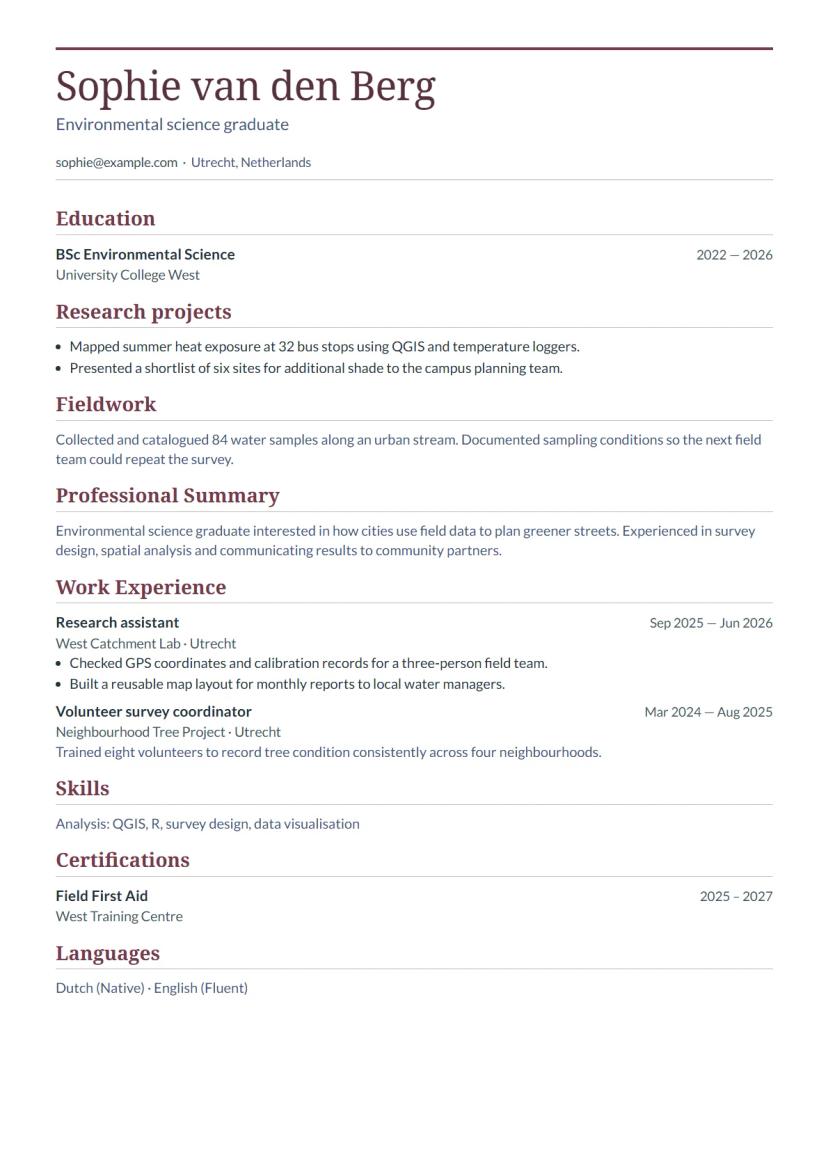
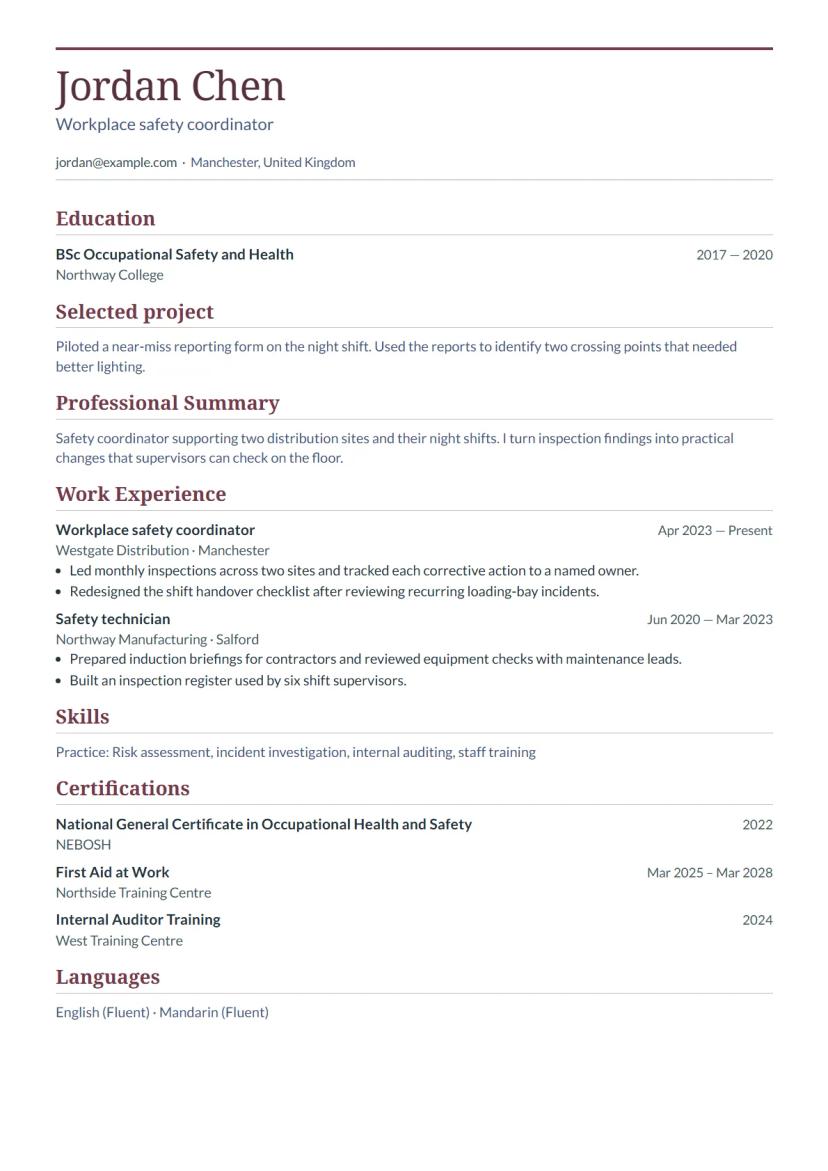
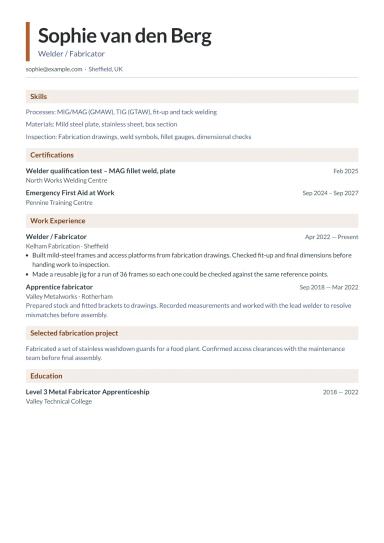
Put your degree and projects at the top of the page. Burgundy rules and serif headings guide the eye from your studies to the work you have done.
Free to edit and preview without an account. Download a clean PDF or an editable Word file with the $1.99 7-day pass or Pro.
Best for
- Internship and placement applications
- Recent graduates
- A career change supported by a new qualification
What’s in the layout
- Education appears first when filled in
- Project and research sections can follow your degree
- A single column with dates aligned on the right
Give a project the weight of experience
Add a custom section called Projects, Research or Fieldwork. Describe one thing you built or investigated, the method you used and what you learned or delivered. Campus places that section above your employment history.
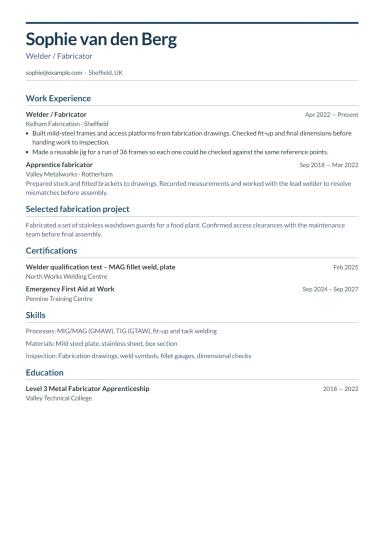
Switch templates any time
Your text is kept separate from the design, so you can try Campus and switch to another template with one click, without retyping anything. The free preview PDF is watermarked. The pass and Pro give you a text-based PDF that applicant tracking systems can read. You can check the text with ATS view in the builder, or upload a CV for a free CV review.
Frequently asked questions
Can I use Campus while I am still studying?
Yes. Enter your expected graduation date in your education entry so the reader can see when you expect to finish.
What if I have no employment history yet?
Leave work experience empty. Your degree, projects and skills can carry the application, and the empty section is omitted.
Other CV templates
Start your CV in Campus
Pick a template, fill in the form and watch your CV take shape. Start free, no account needed.