

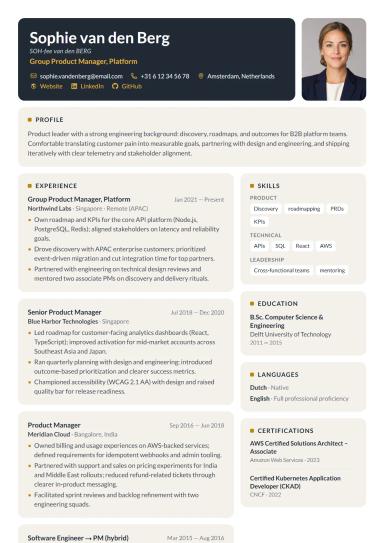
Slate CV template with a dark sidebar
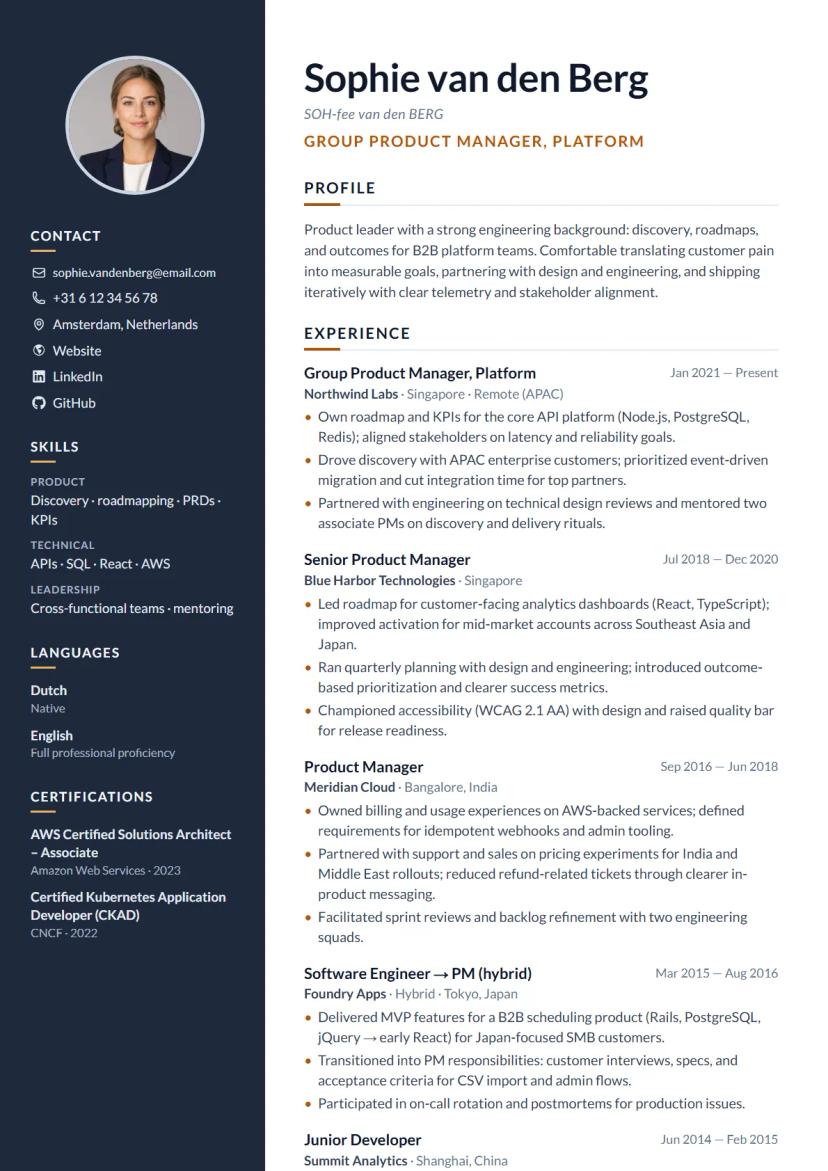
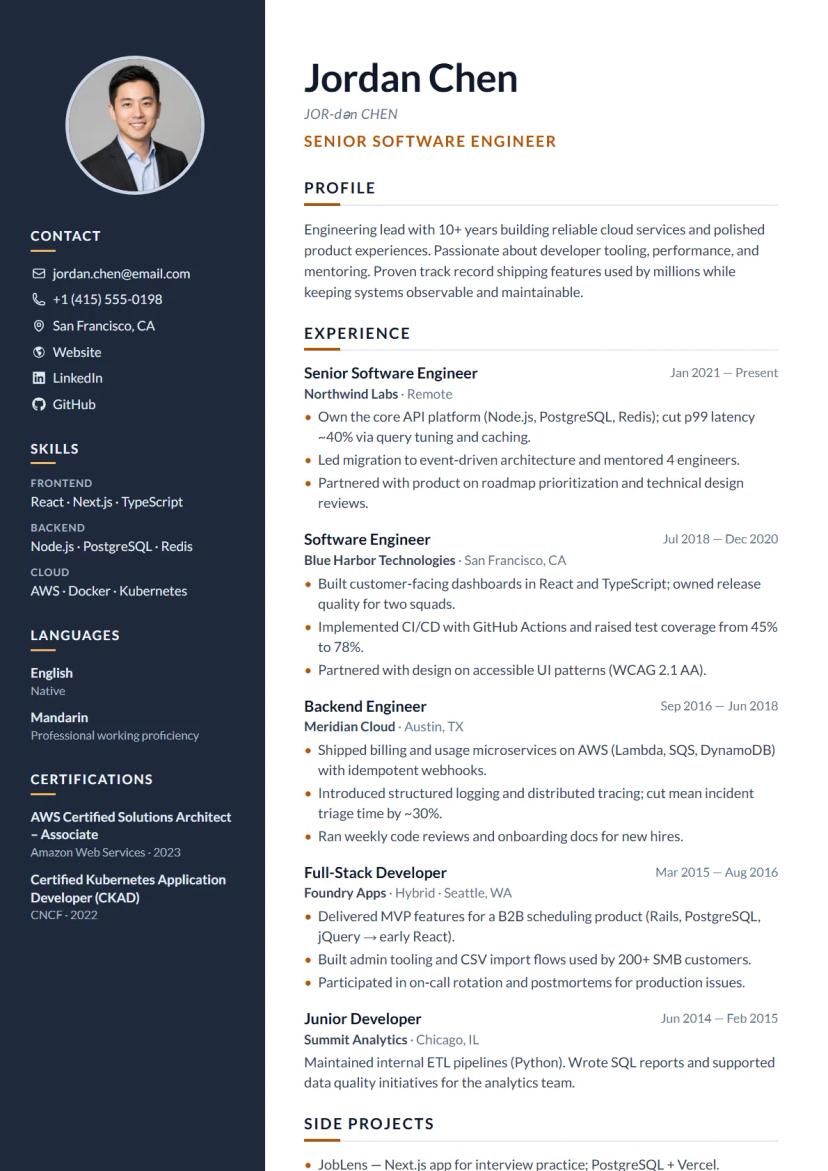
A deep slate sidebar holds your photo, contact details, skills and languages; a bright white column carries your name and experience. Contemporary and confident, with a warm accent that keeps it from feeling cold.
Free to edit and preview without an account. Download a clean PDF or an editable Word file with the $1.99 7-day pass or Pro.
Best for
- Tech, product, consulting and agency roles
- Mid-level and senior candidates who want to look current
- CVs with a lot of skills, tools or languages
- Applications read on screen rather than printed
What’s in the layout
- Full-height dark sidebar on every page, with light text
- Contact details stacked one per line, links clickable in the PDF
- Skills grouped under small labels, languages and certifications in the sidebar
- White main column for profile, experience, projects and education
When to choose the Slate template
Choose Slate when you want your CV to look modern at a glance without leaving professional territory. The dark sidebar frames your supporting details, so the white main column, where recruiters spend most of their time, feels open and easy to read.
It's built from real text like every BeaverCV template, so applicant tracking systems read the sidebar and the main column as separate sections. If your CV is likely to be printed in black and white, a lighter design such as Modern uses less ink.
Tips for filling it in
- Keep sidebar items short: tools, languages and certifications read best as one line each.
- Lead your main column with a three- or four-line profile that states your level and specialty.
- Give your most recent job the most bullet points, each with a result.
Switch templates any time
Your text is kept separate from the design, so you can try Slate and switch to another template with one click, without retyping anything. The free preview PDF is watermarked. The pass and Pro give you a text-based PDF that applicant tracking systems can read. You can check the text with ATS view in the builder, or upload a CV for a free CV review.
Frequently asked questions
Is a dark sidebar CV ATS-friendly?
Yes, when the text is real text, as it is here. Background color doesn't affect parsing; text inside images or text boxes does. Check yours with ATS view in the builder.
Will the dark sidebar print well?
It prints fine on any color printer. On black-and-white printers the sidebar comes out dark gray with light text, still readable but ink-heavy. Most CVs today are read on screen.
Does Slate work without a photo?
Yes. Without a photo the sidebar starts with your contact details.
Other CV templates
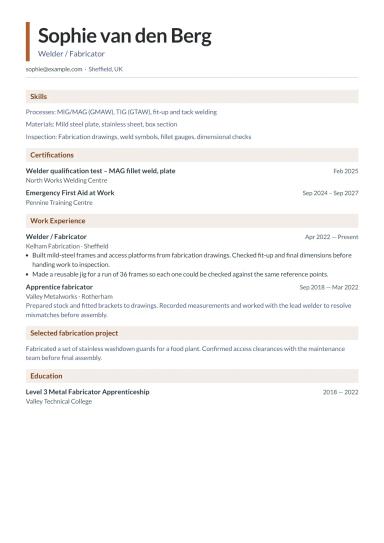
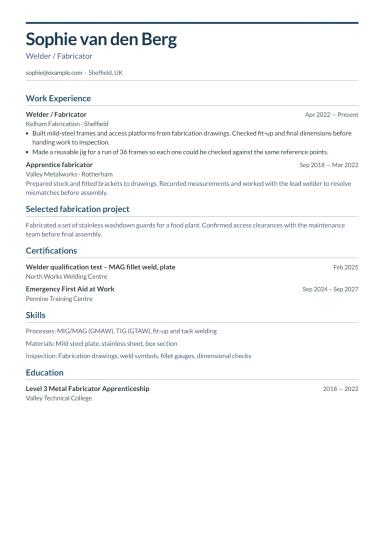
Start your CV in Slate
Pick a template, fill in the form and watch your CV take shape. Start free, no account needed.