

CV and resume templates
21 recruiter-friendly designs. Pick one to start; you can switch at any time without retyping anything.
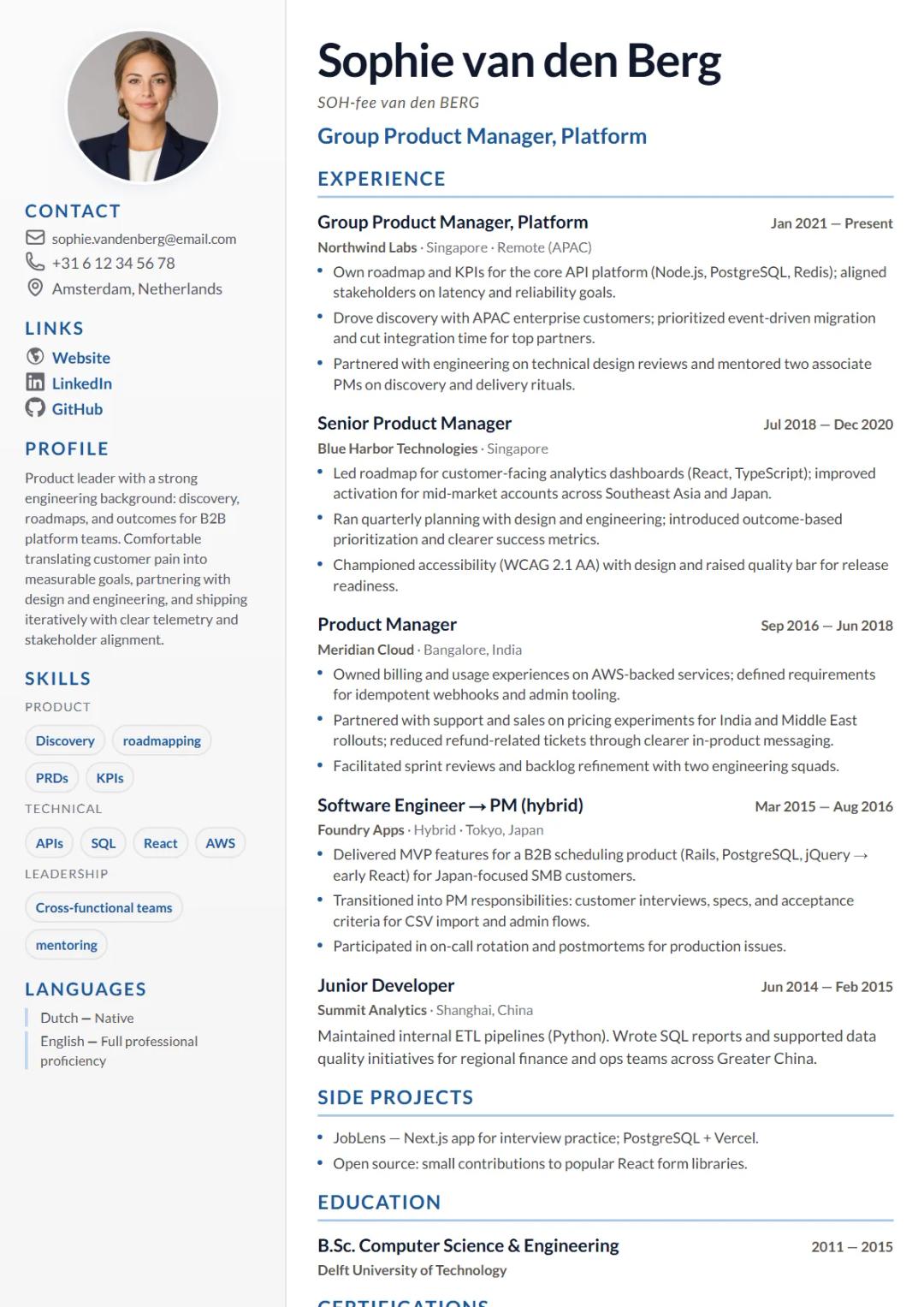
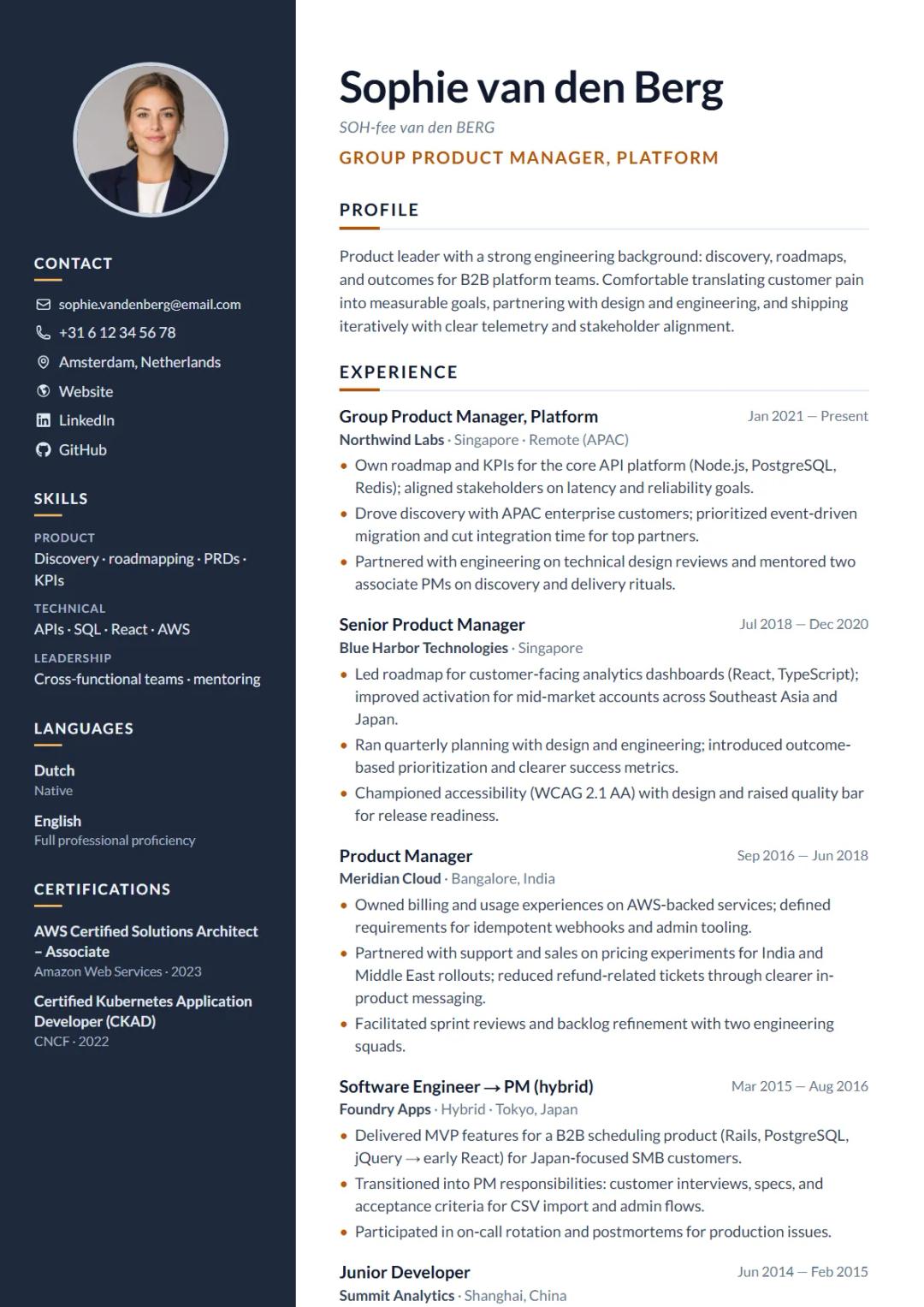
Modern
A two-column layout with an accent sidebar for contact details and skills. Good for most roles and a confident first impression.
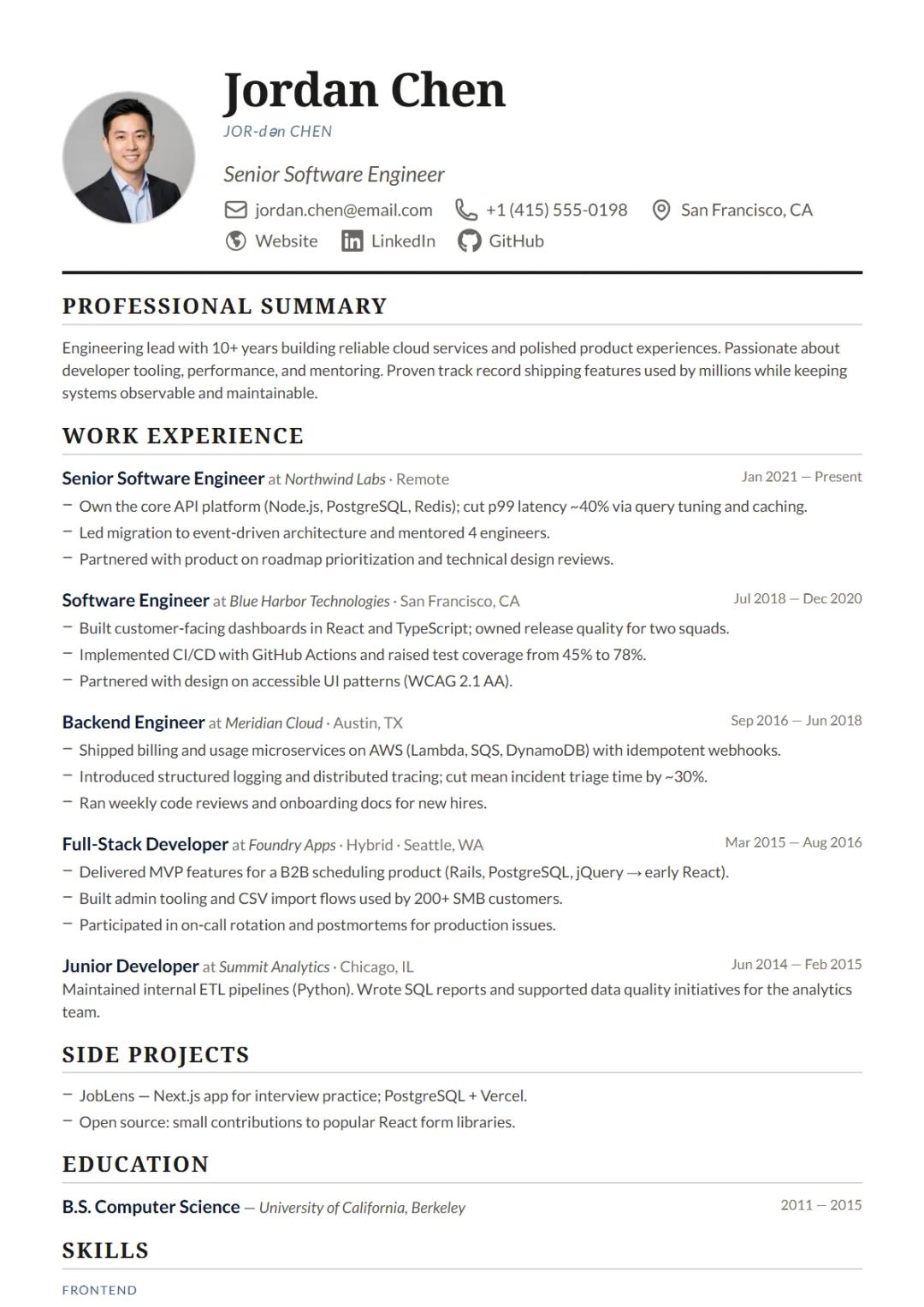
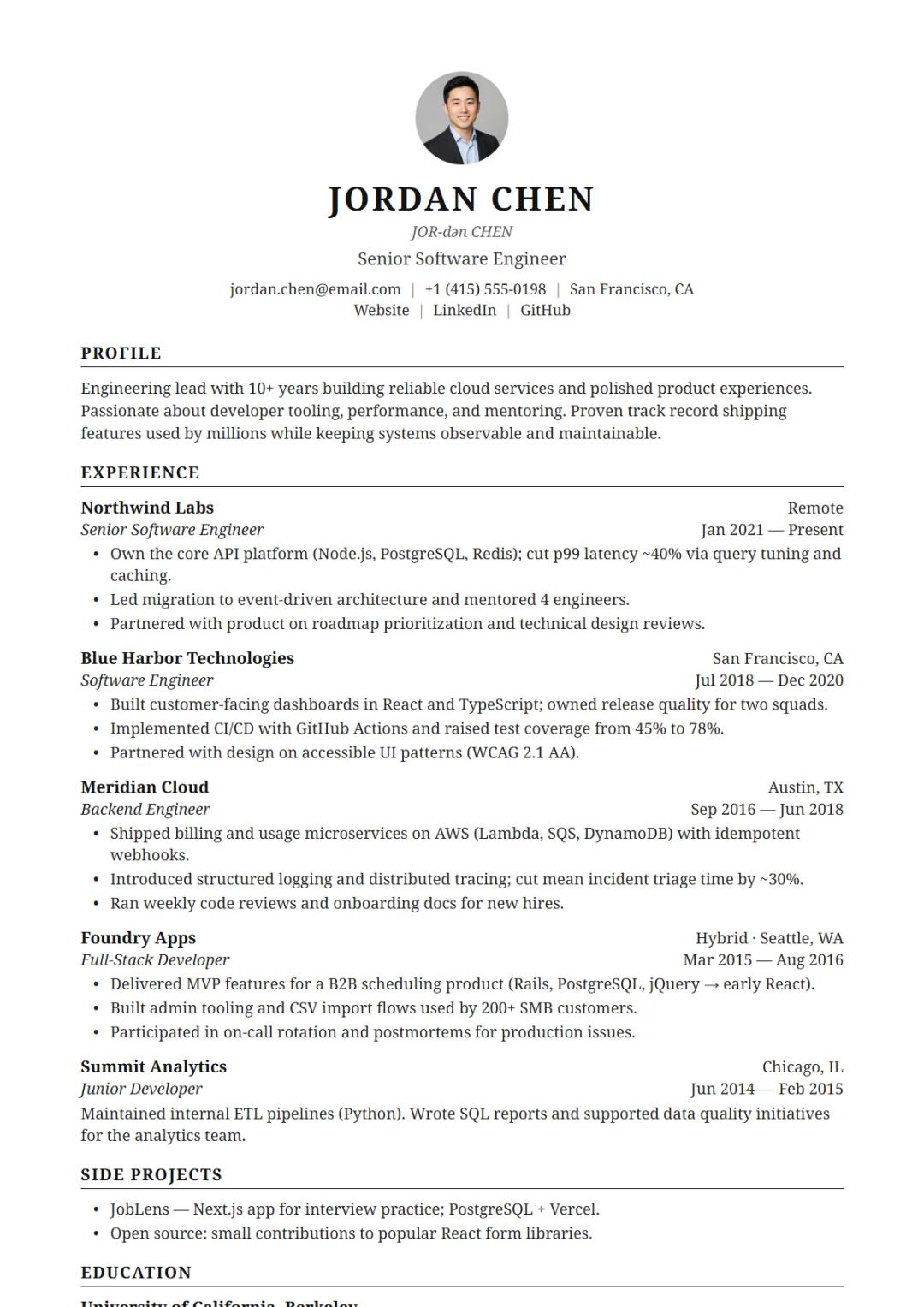
Use ModernClassic
A traditional single column that puts your experience front and center. A safe choice for law, finance and the public sector.
Use ClassicMinimal
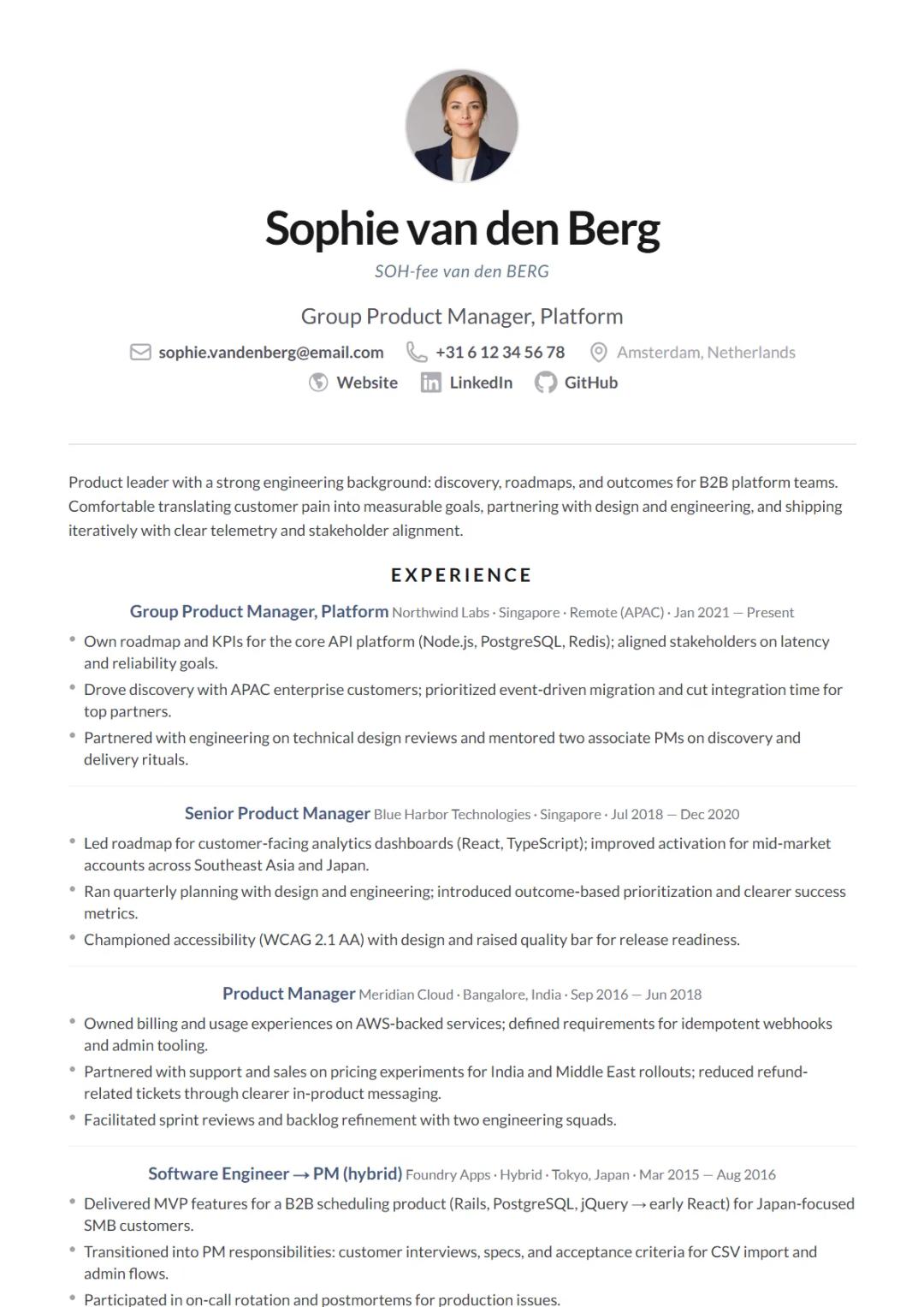
Lots of white space and no color. Quietly elegant, and great for design-aware readers.
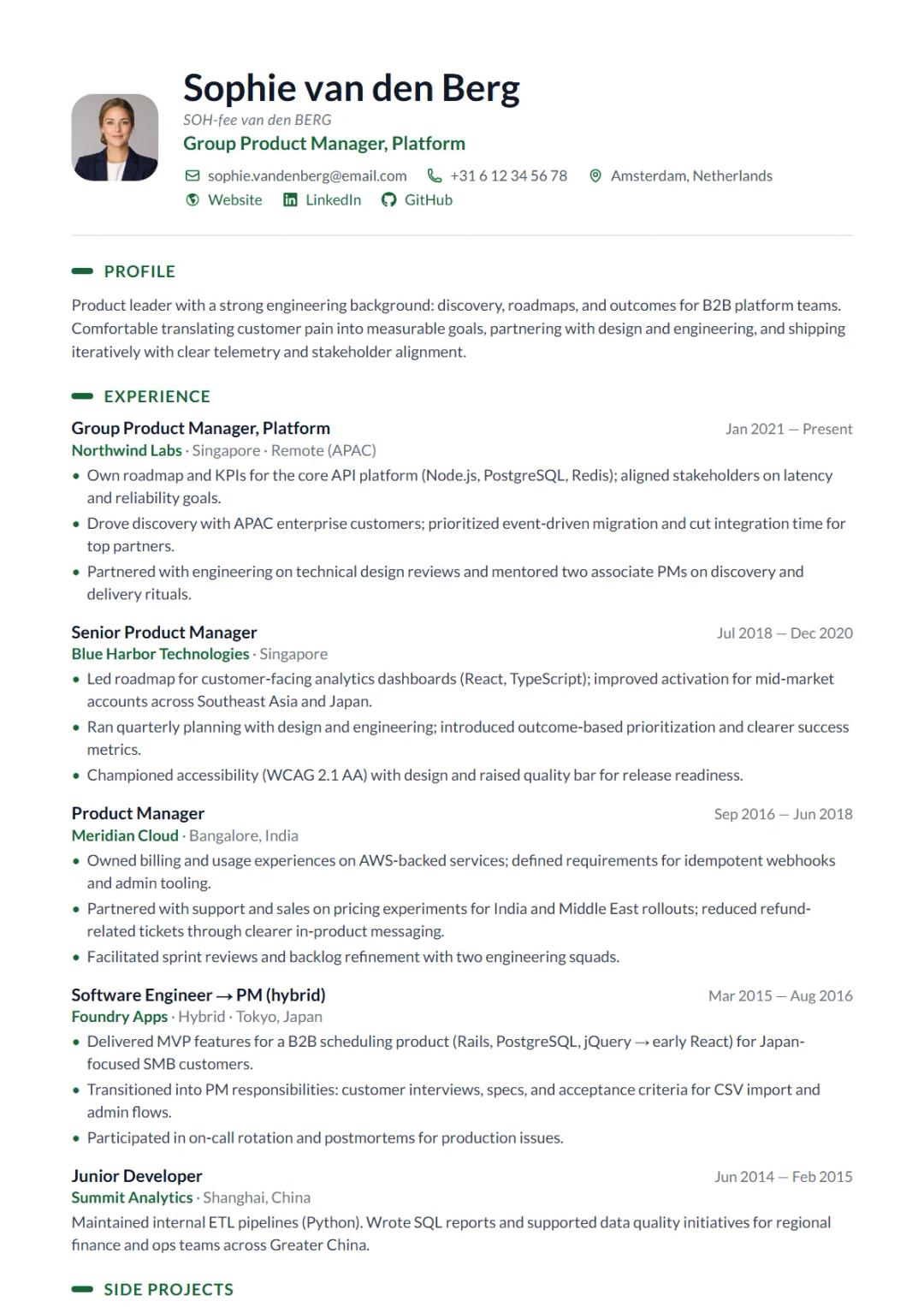
Use MinimalProfessional
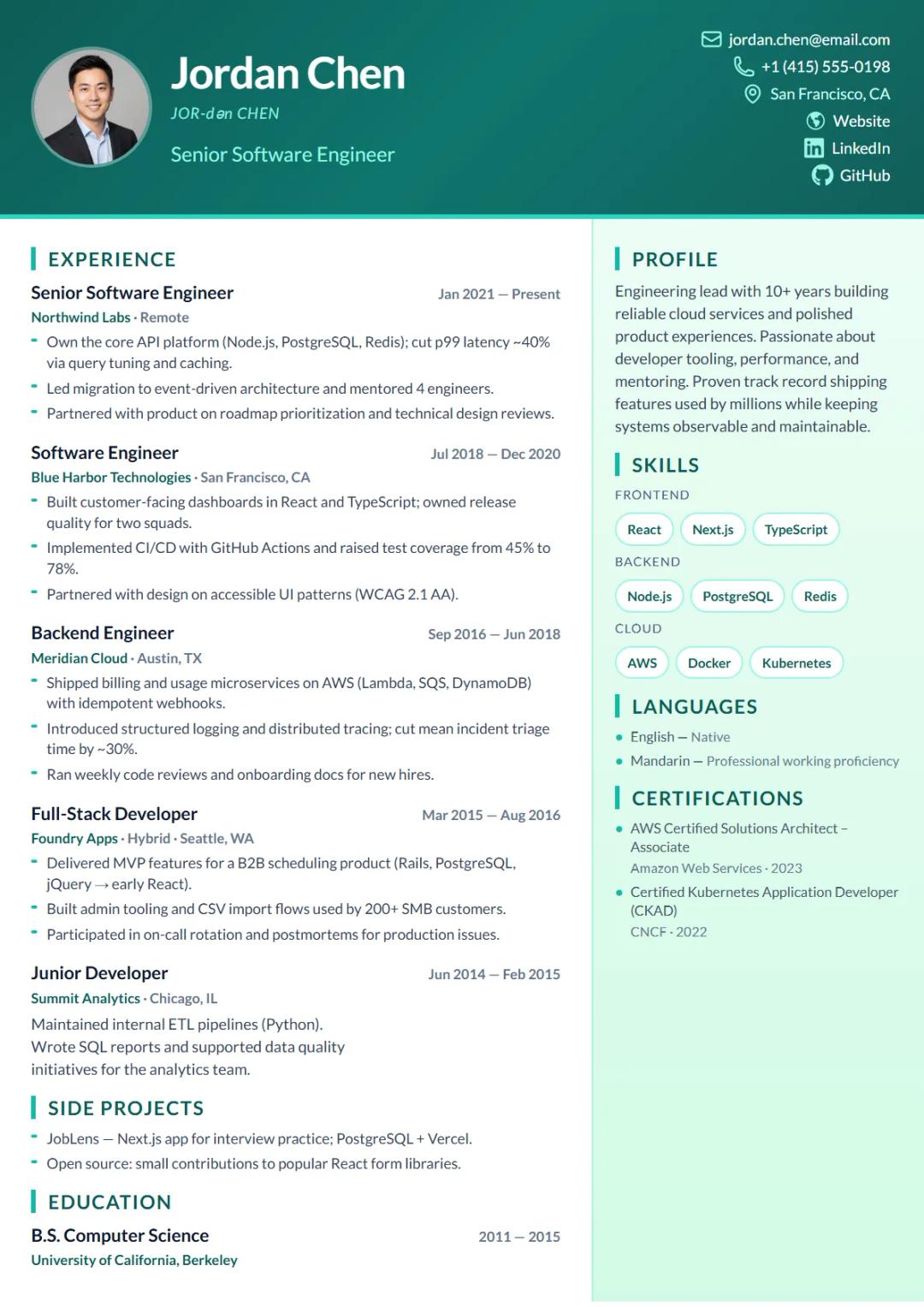
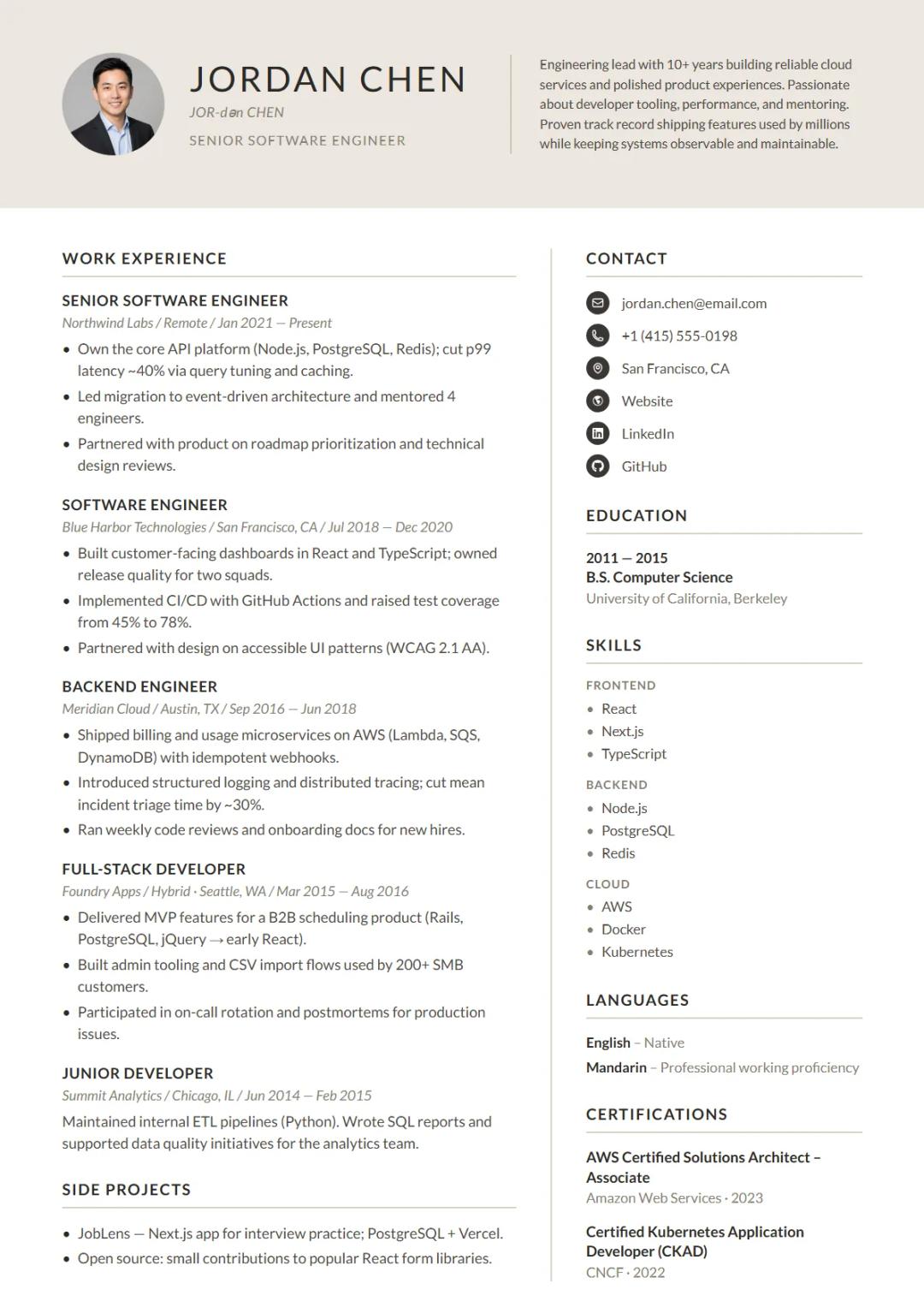
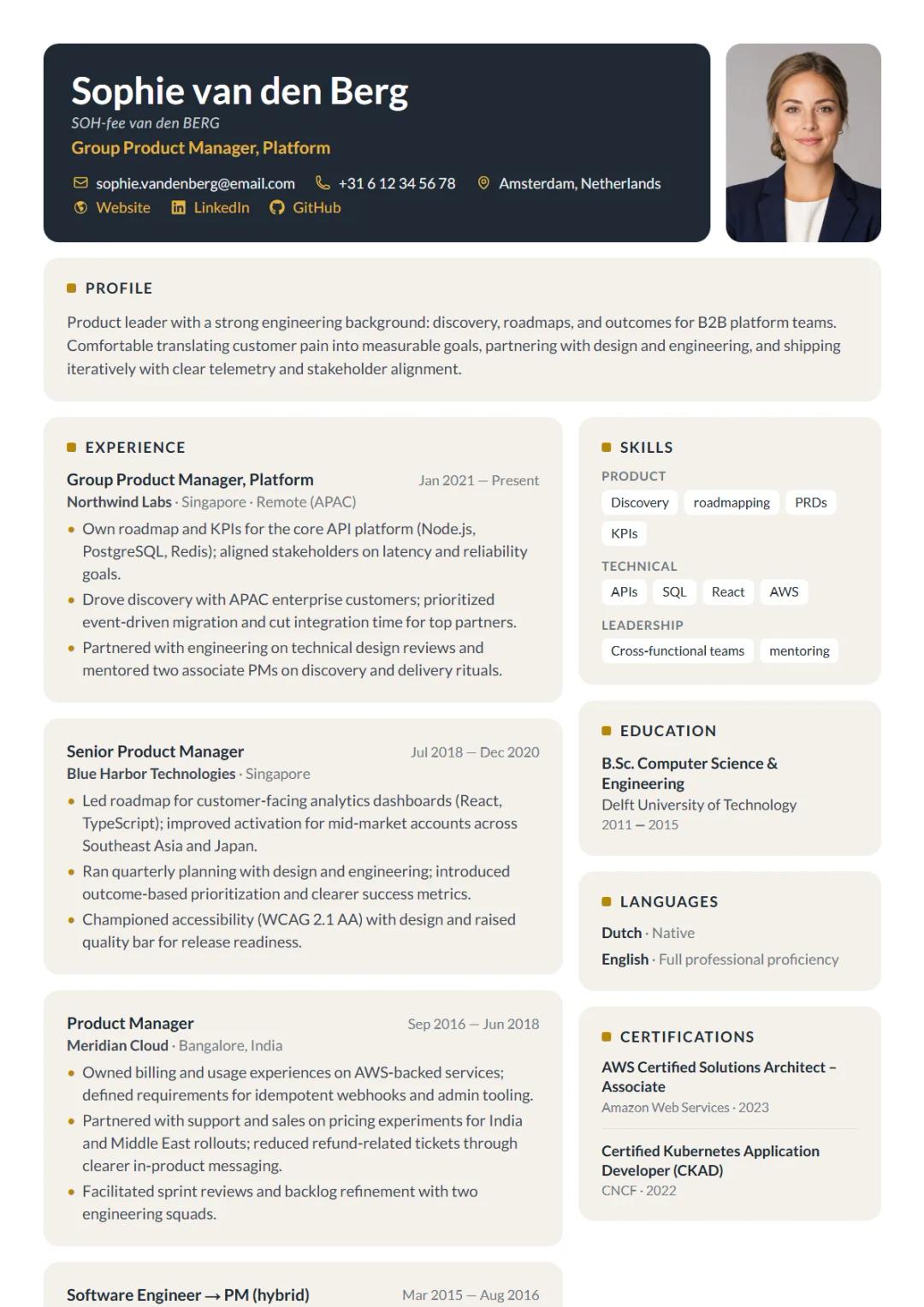
A colored header and two columns that make your name and title stand out. Works well for managers and senior roles.
Use ProfessionalExecutive
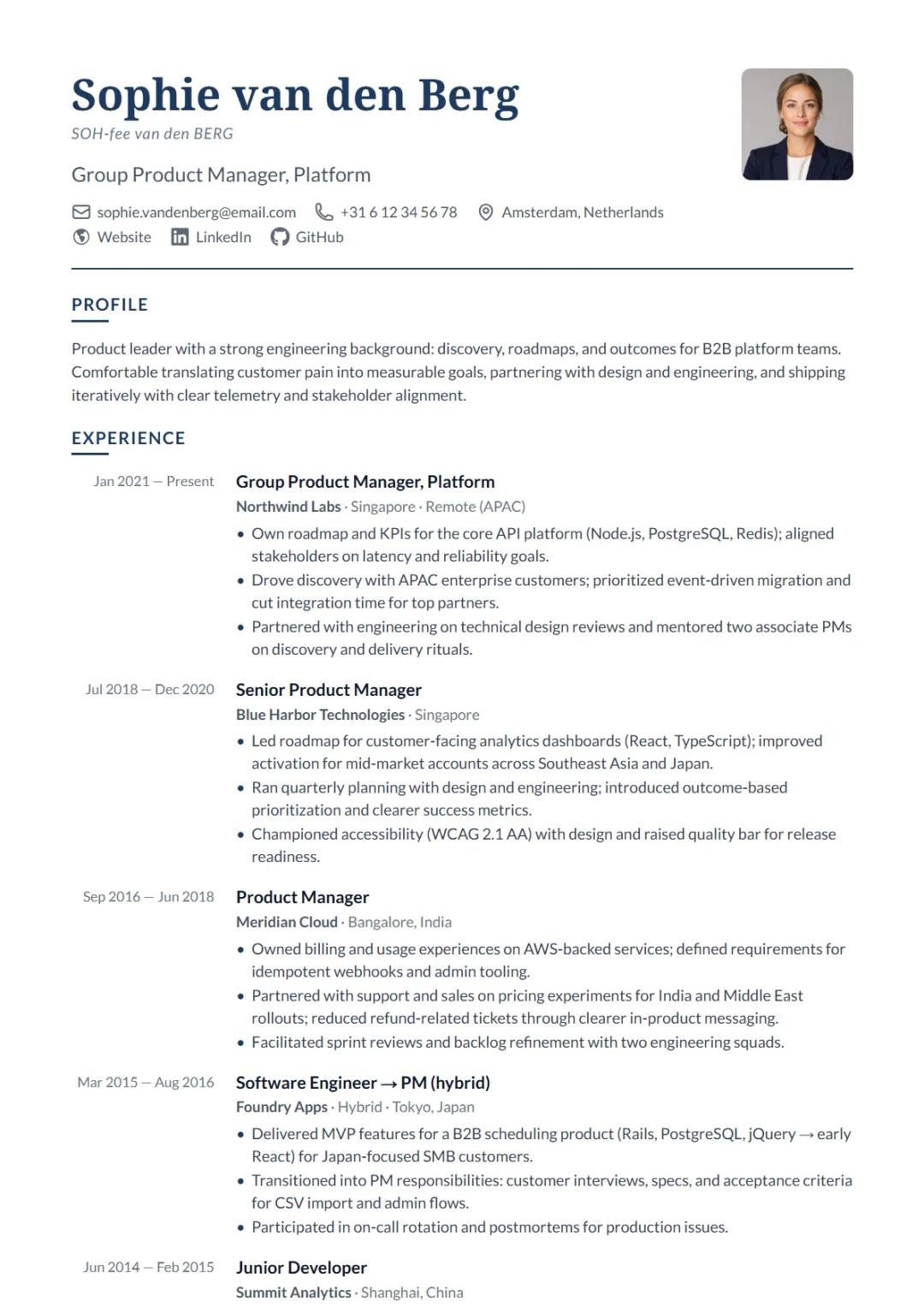
Dates in the margin, serif headings and plenty of white space. Reads as senior; good for management, finance and consulting.
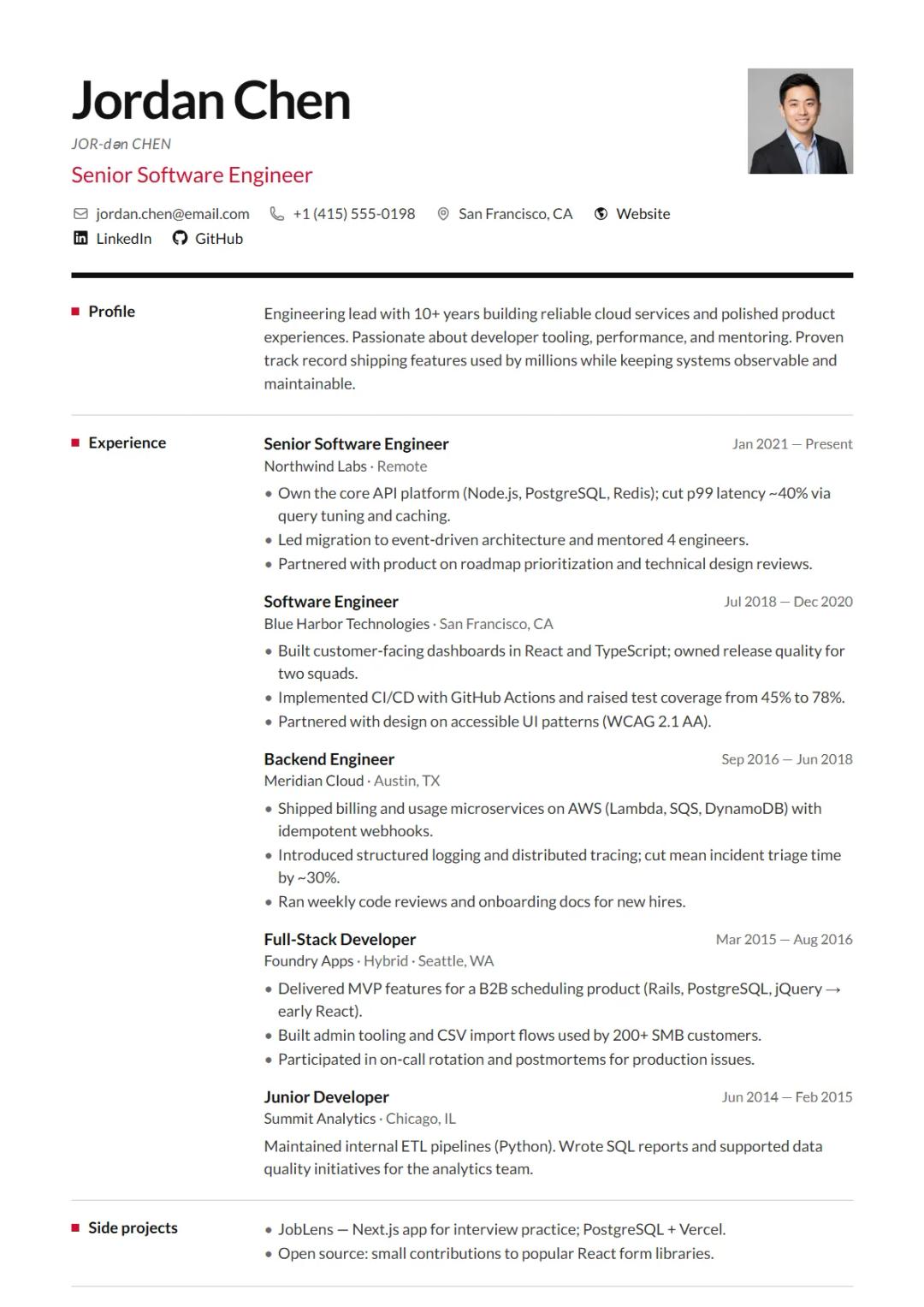
Use ExecutiveCompact
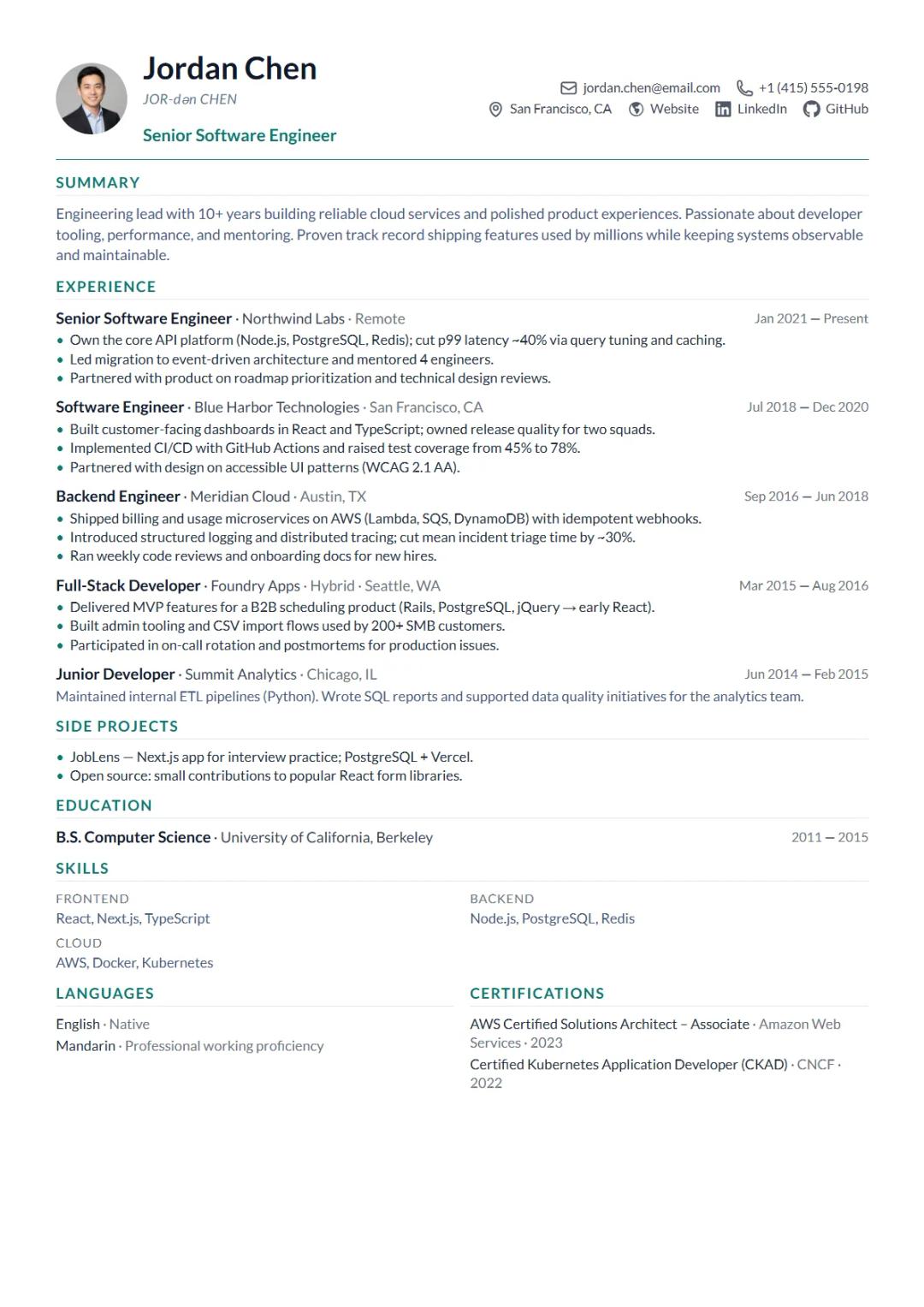
Small type and tight spacing so a long career fits on one page without looking crowded. A favorite for developers.
Use CompactTimeline
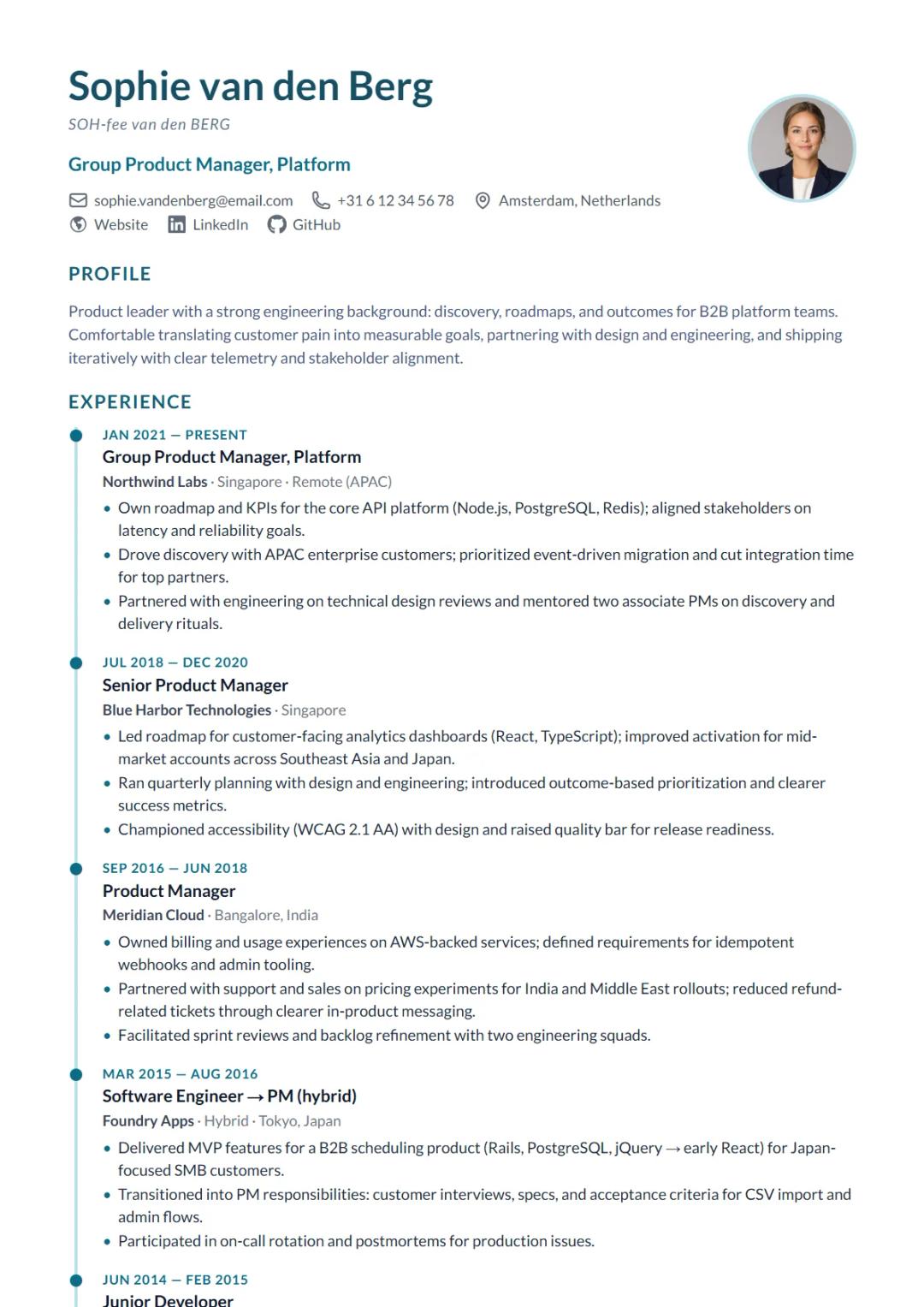
A vertical rail with a marker at each role makes your career path visible at a glance. Great for career changers.
Use TimelineElegant
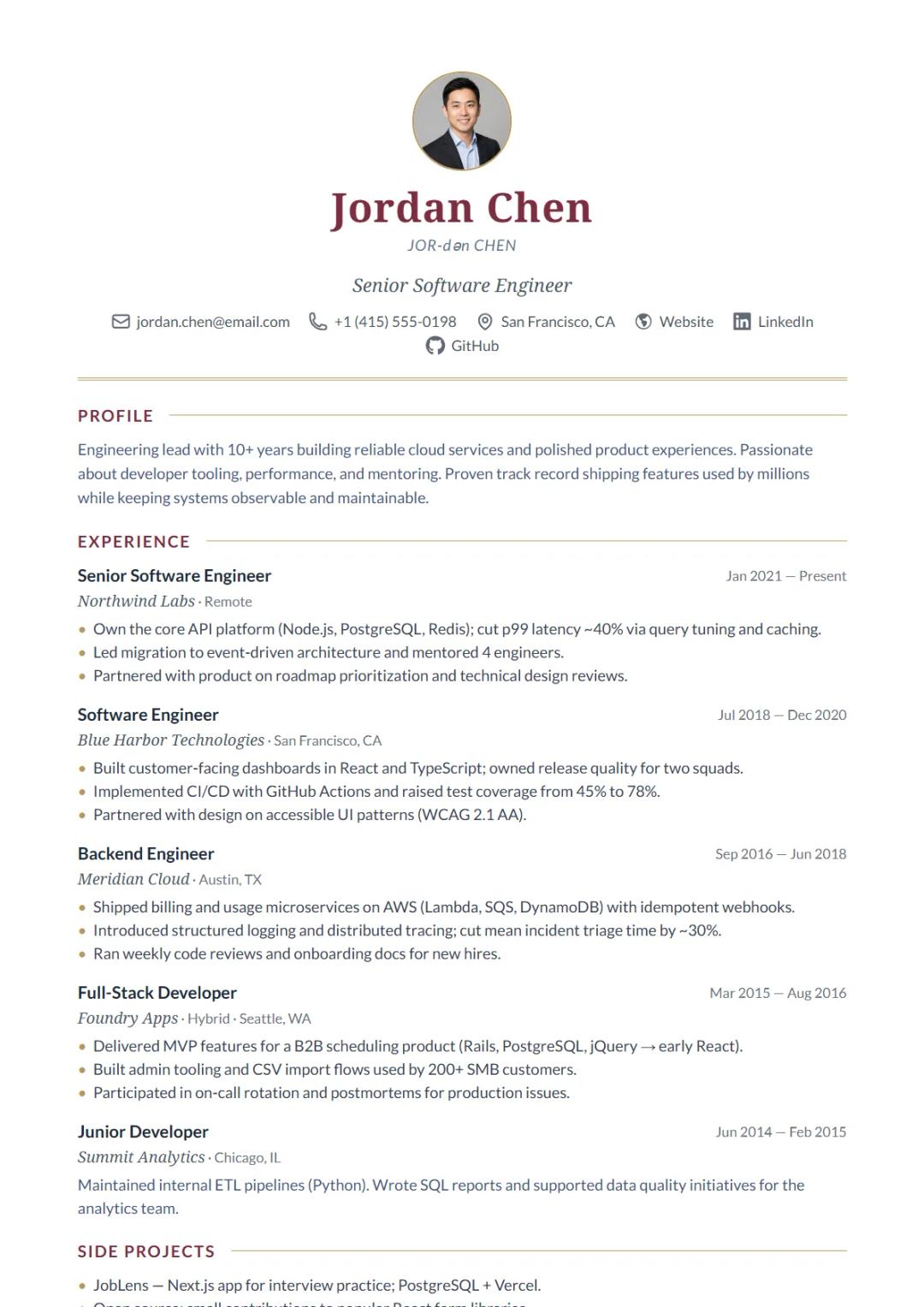
A centered serif header and burgundy small caps. Formal without being old-fashioned; suits law, hospitality and academia.
Use ElegantMonogram
Your initials in a green badge and skills as tidy tags. Friendly and modern, and a good choice when you'd rather not add a photo.
Use MonogramHorizon
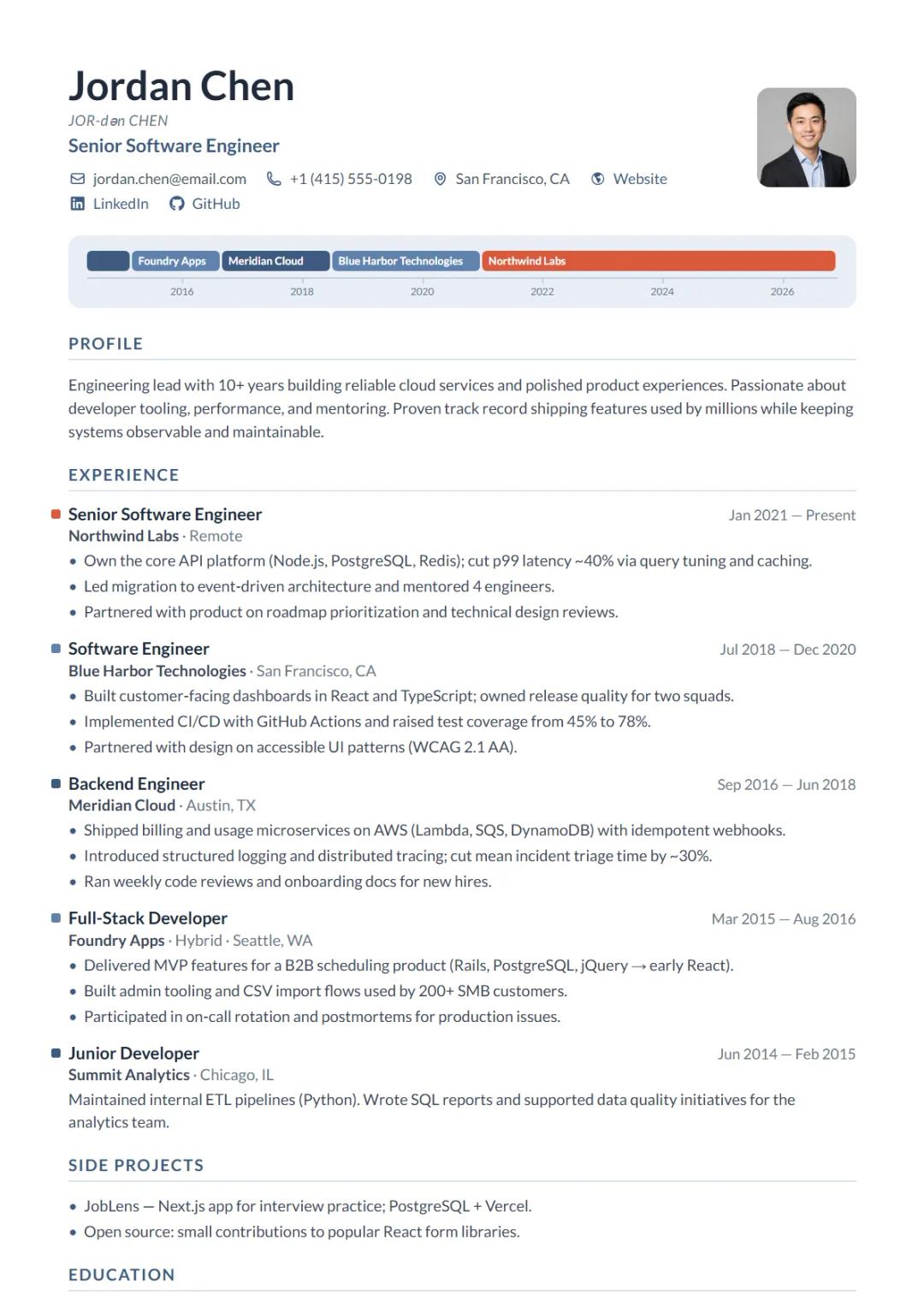
A strip under your name draws your jobs as bars on a timeline, so the shape of your career is clear before anyone reads a line. A clean single column below.
Use HorizonPortfolio
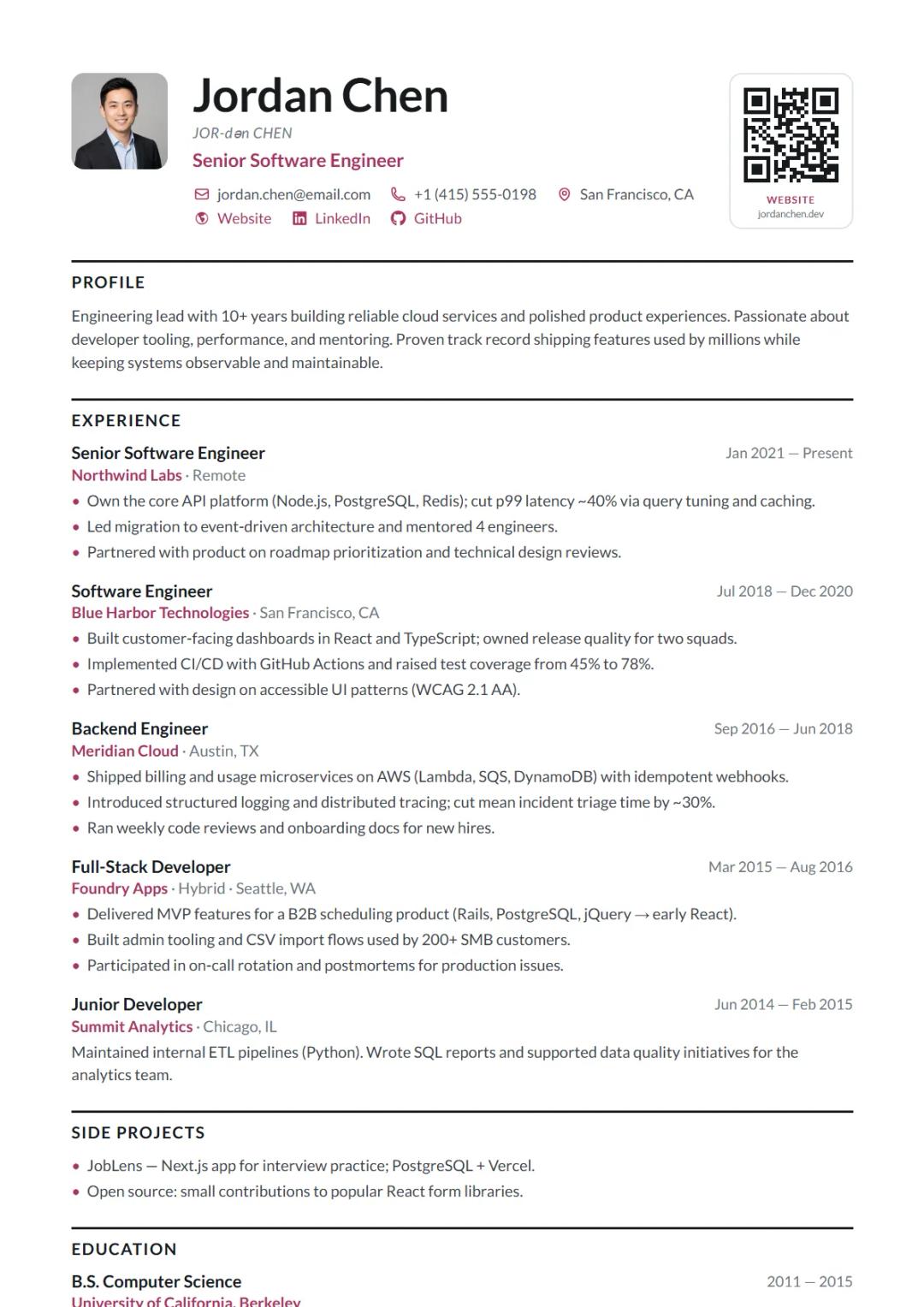
A QR code beside your name opens your website, LinkedIn or GitHub from a printed CV. A bold name and clear sections, made for people with work to show.
Use PortfolioTypeset
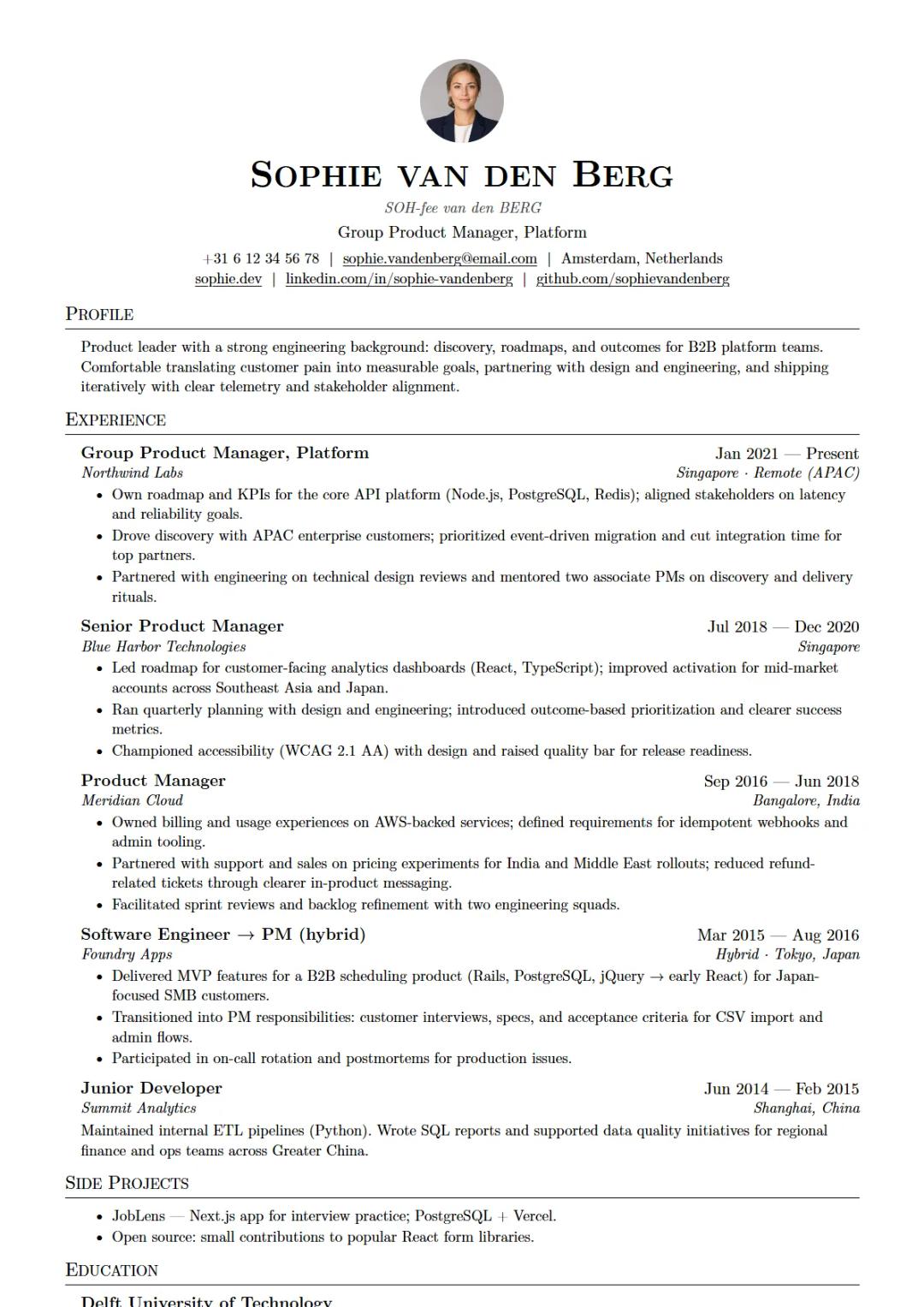
The look of a resume typeset in LaTeX: Computer Modern type, small-caps headings over thin rules, role and dates in bold, employer in italics. Dense and ATS-friendly.
Use TypesetCampus
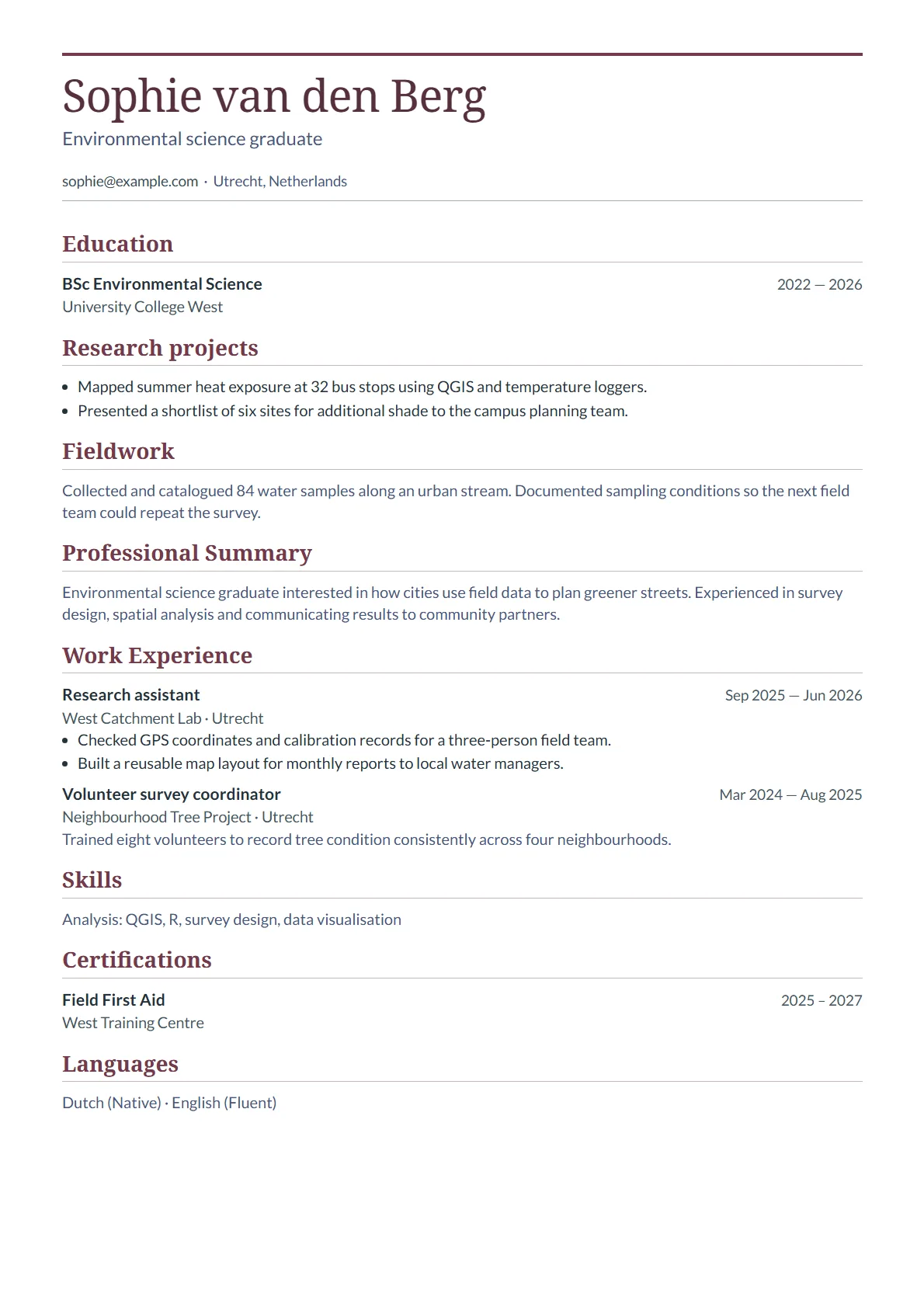
Lead with your degree and projects. Burgundy serif headings and right-aligned dates keep the page easy to scan.
Use CampusCredential
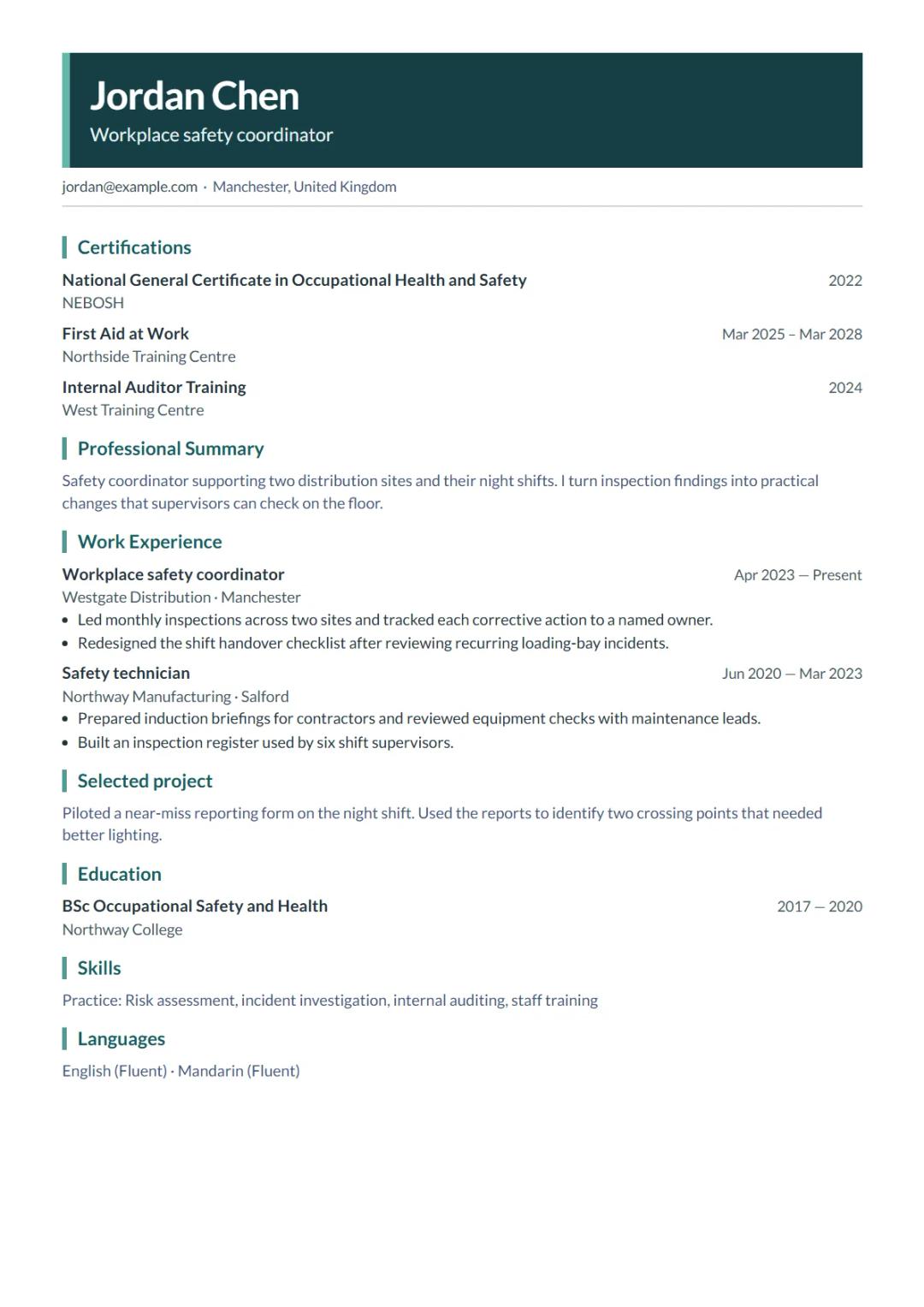
Put certifications, issuing bodies and validity dates above your experience, under a deep teal nameplate.
Use CredentialFieldwork
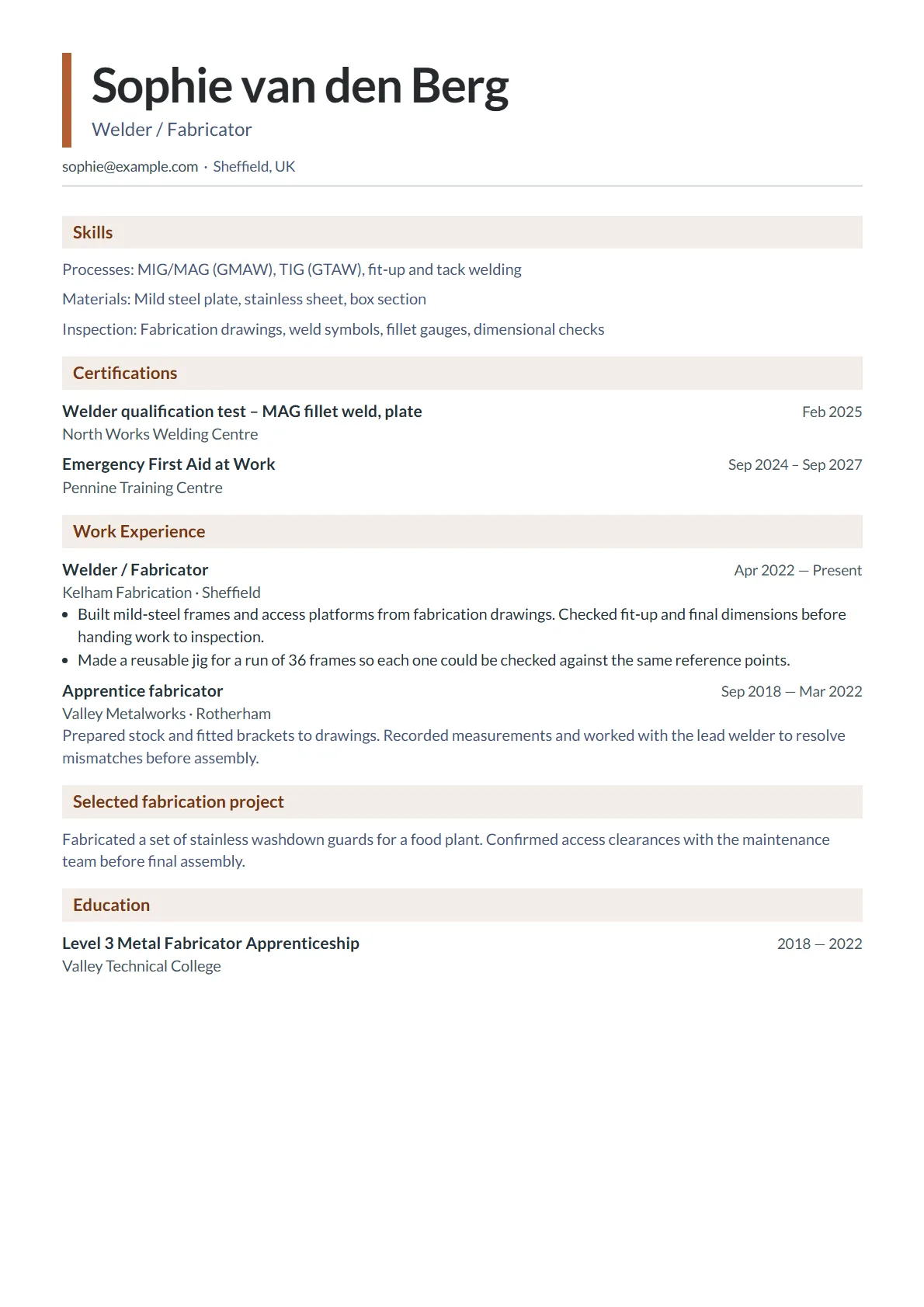
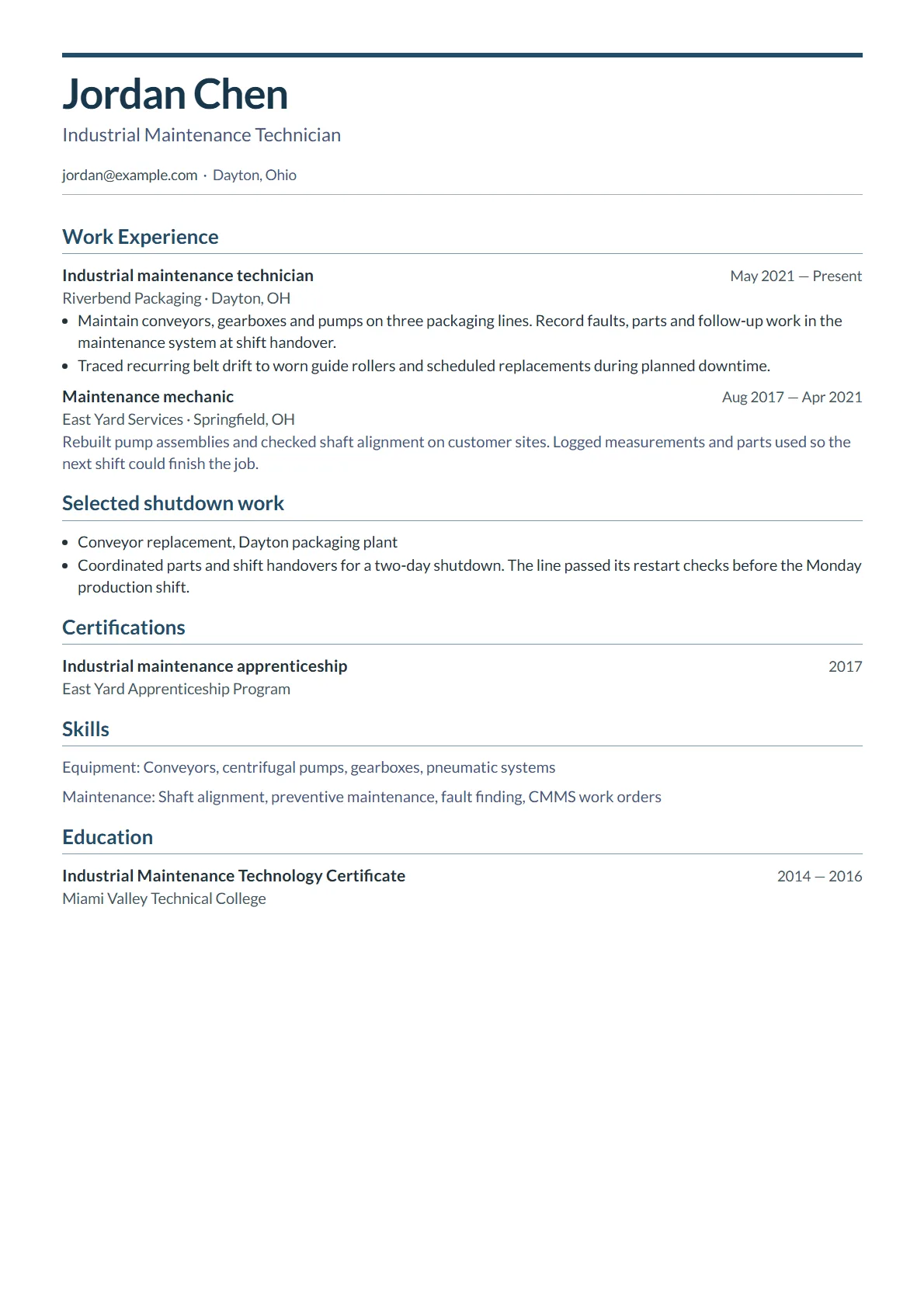
Lead with jobs and site projects. Blue rules and right-aligned dates make assignments easy to scan.
Use Fieldwork
All templates use standard fonts and a clear reading order, so applicant tracking systems read them correctly.