

Credential CV template
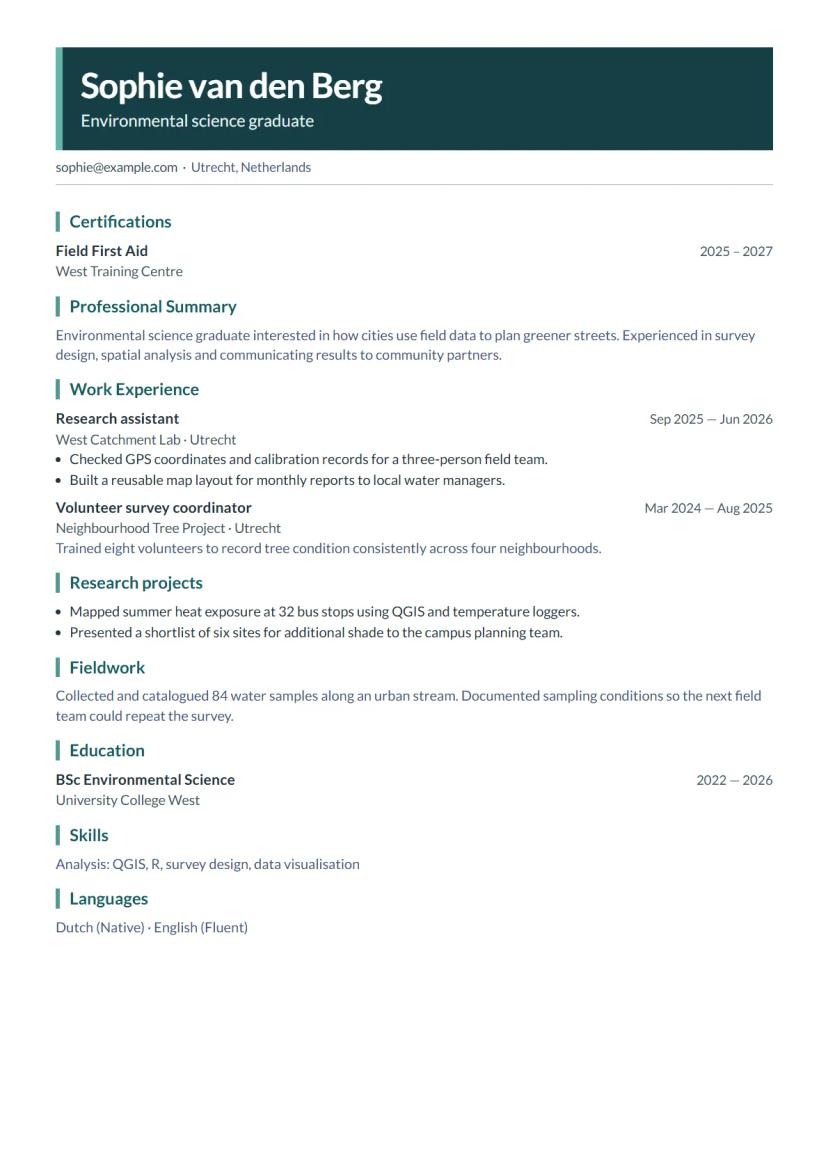
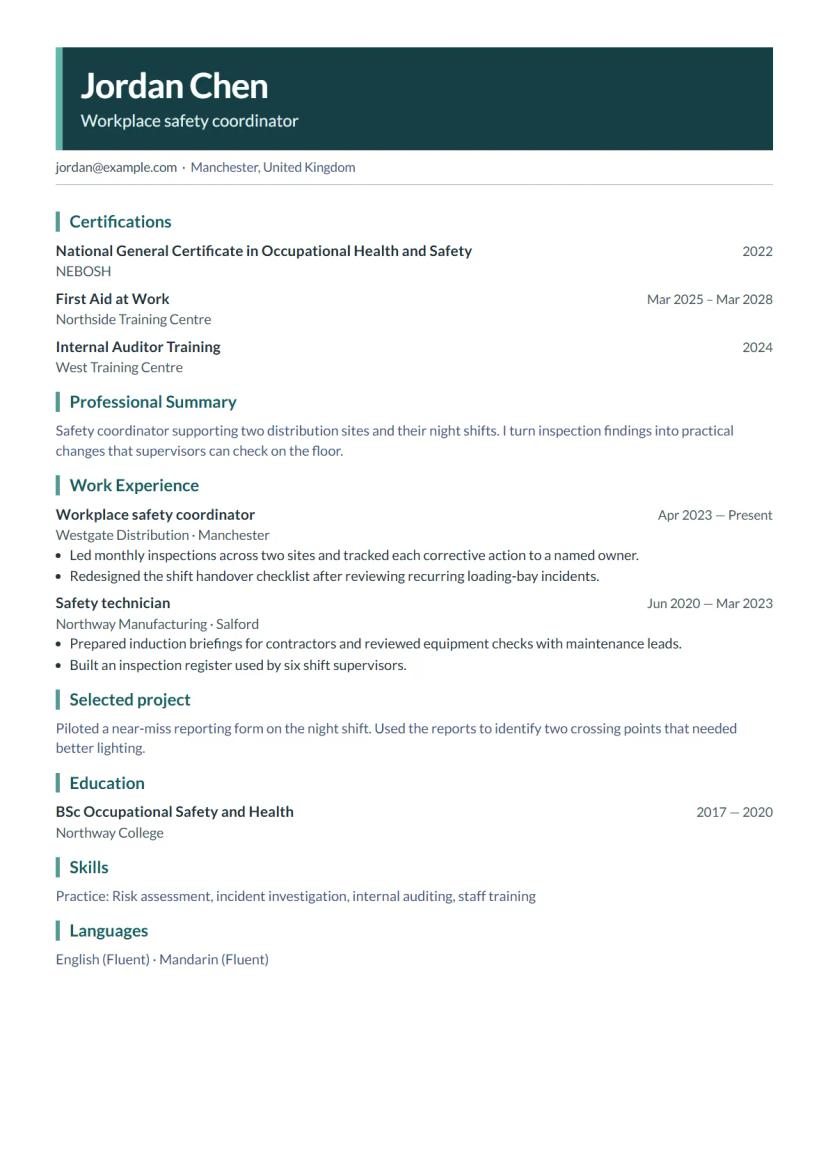
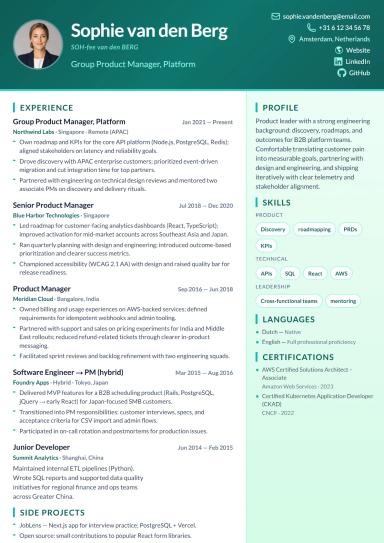
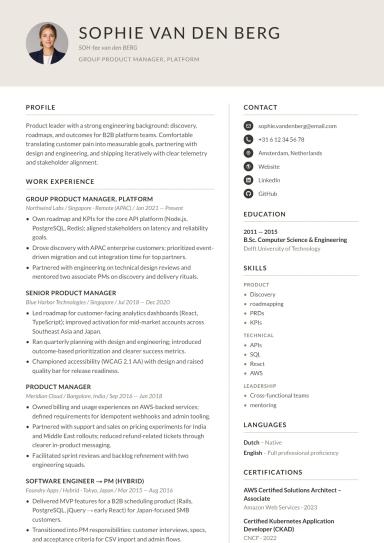
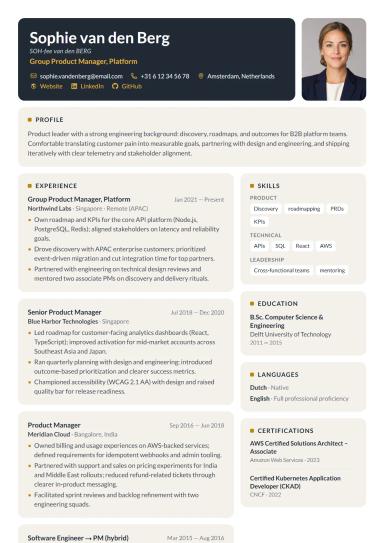
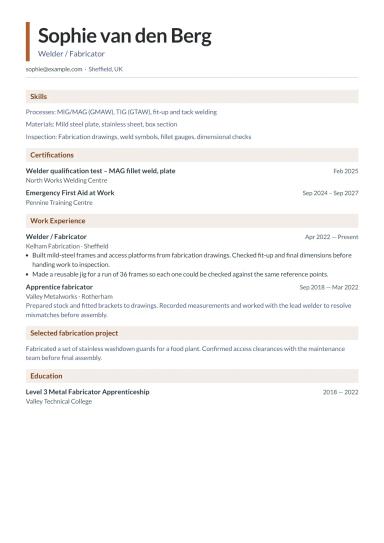
Make the qualifications required for the job easy to find. A deep teal nameplate is followed by your certifications, with issuing bodies and dates on separate lines.
Free to edit and preview without an account. Download a clean PDF or an editable Word file with the $1.99 7-day pass or Pro.
Best for
- Nursing and allied health roles
- Skilled trades and safety roles
- IT roles that ask for specific certifications
What’s in the layout
- Certifications appear directly below your contact details
- Space for the issuer, credential ID and validity dates
- Full-width work history and a compact skills list
Make a required qualification easy to verify
Enter the full credential name as it appears on the certificate, then add the issuing body and relevant dates. Put the credential named in the vacancy first. Use your experience section to show where you applied it.
Switch templates any time
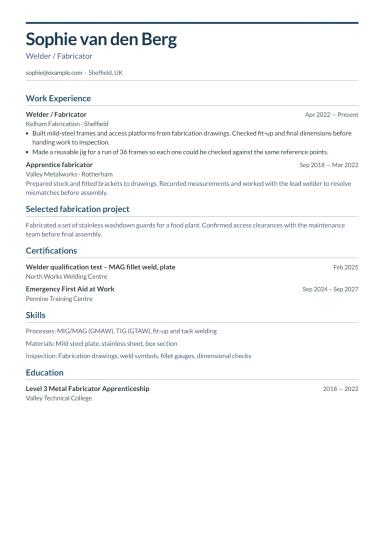
Your text is kept separate from the design, so you can try Credential and switch to another template with one click, without retyping anything. The free preview PDF is watermarked. The pass and Pro give you a text-based PDF that applicant tracking systems can read. You can check the text with ATS view in the builder, or upload a CV for a free CV review.
Frequently asked questions
Can I list a professional licence?
Yes. Enter it under Certifications and use the issuer field for the licensing body. Add an expiry date when it applies.
What if I leave a credential ID or date blank?
The template prints the details you enter. You can list a qualification by name alone.
Other CV templates
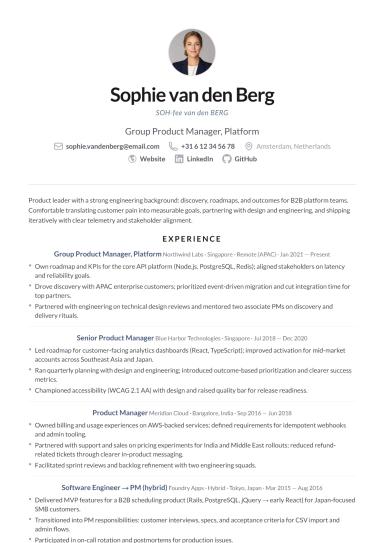
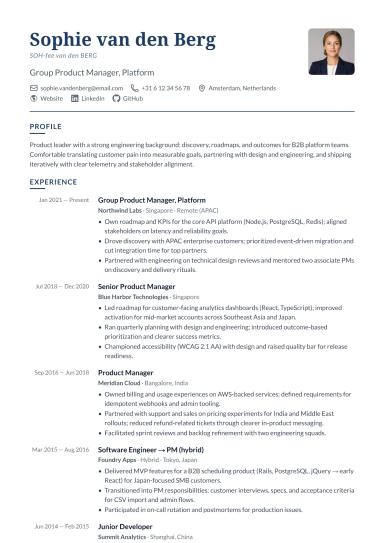
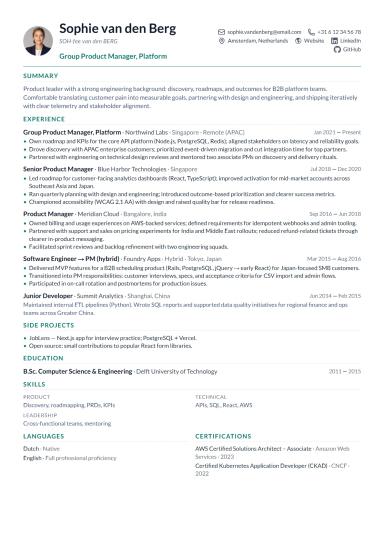
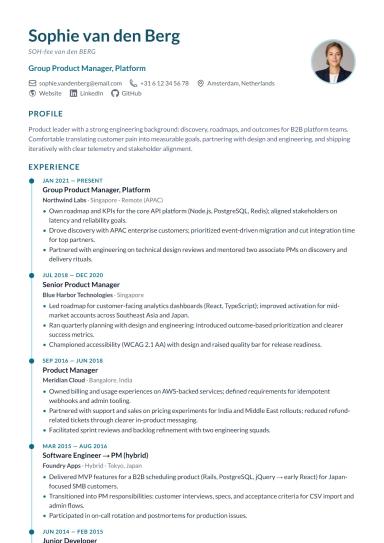
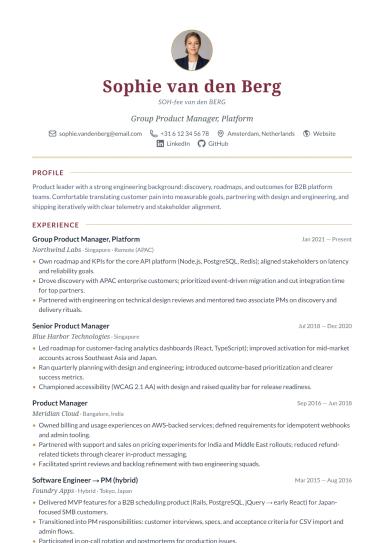
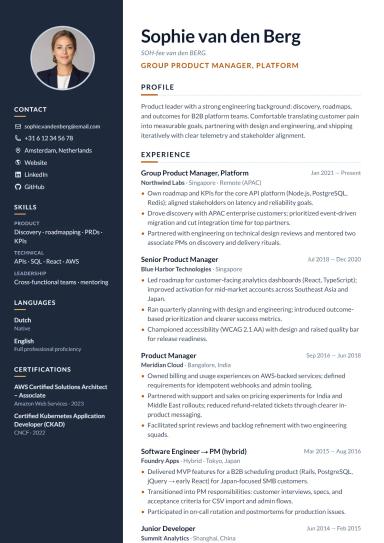
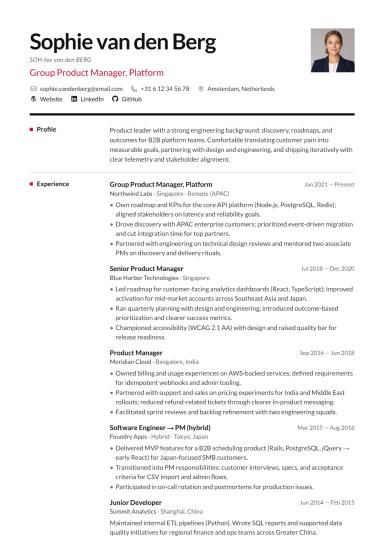
Start your CV in Credential
Pick a template, fill in the form and watch your CV take shape. Start free, no account needed.